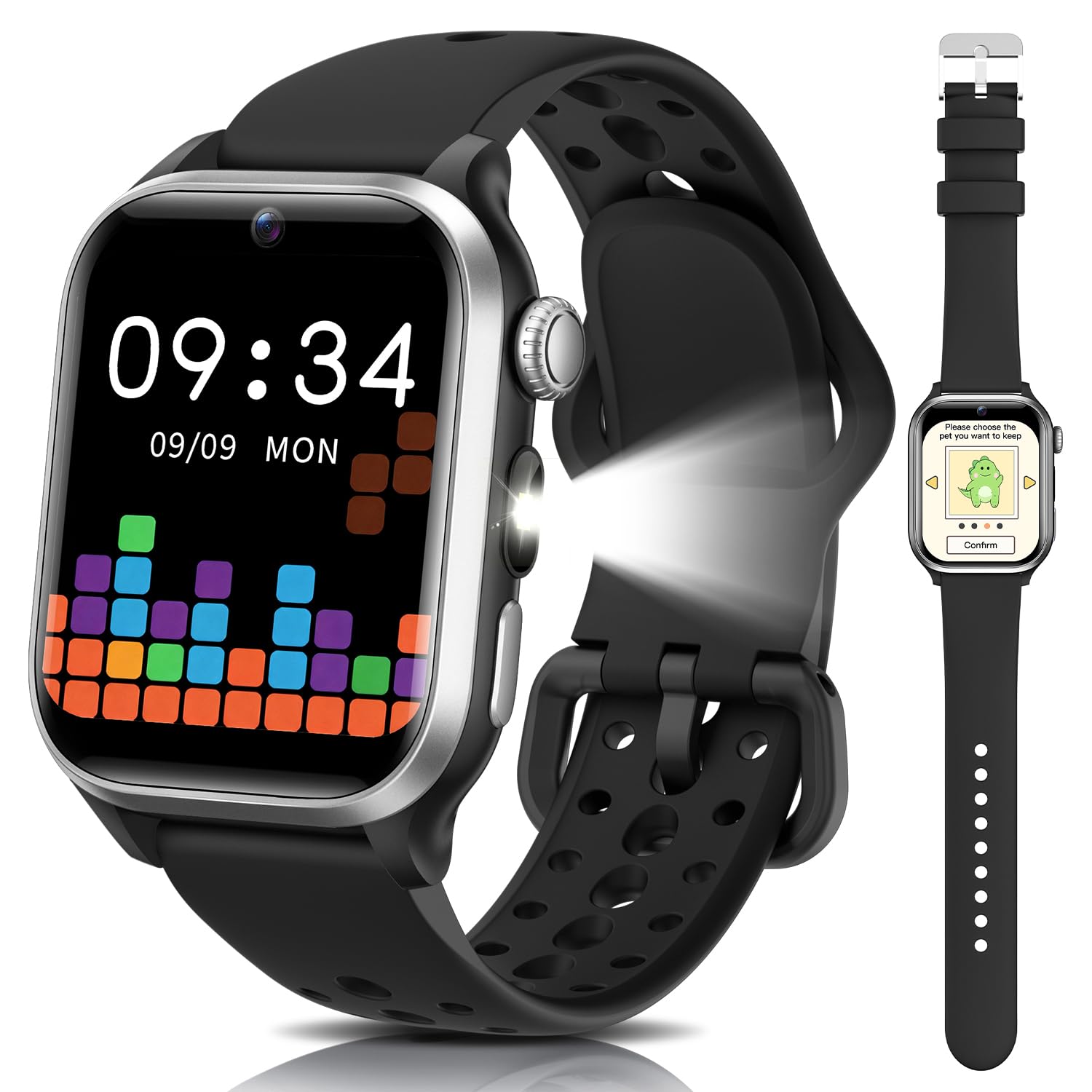
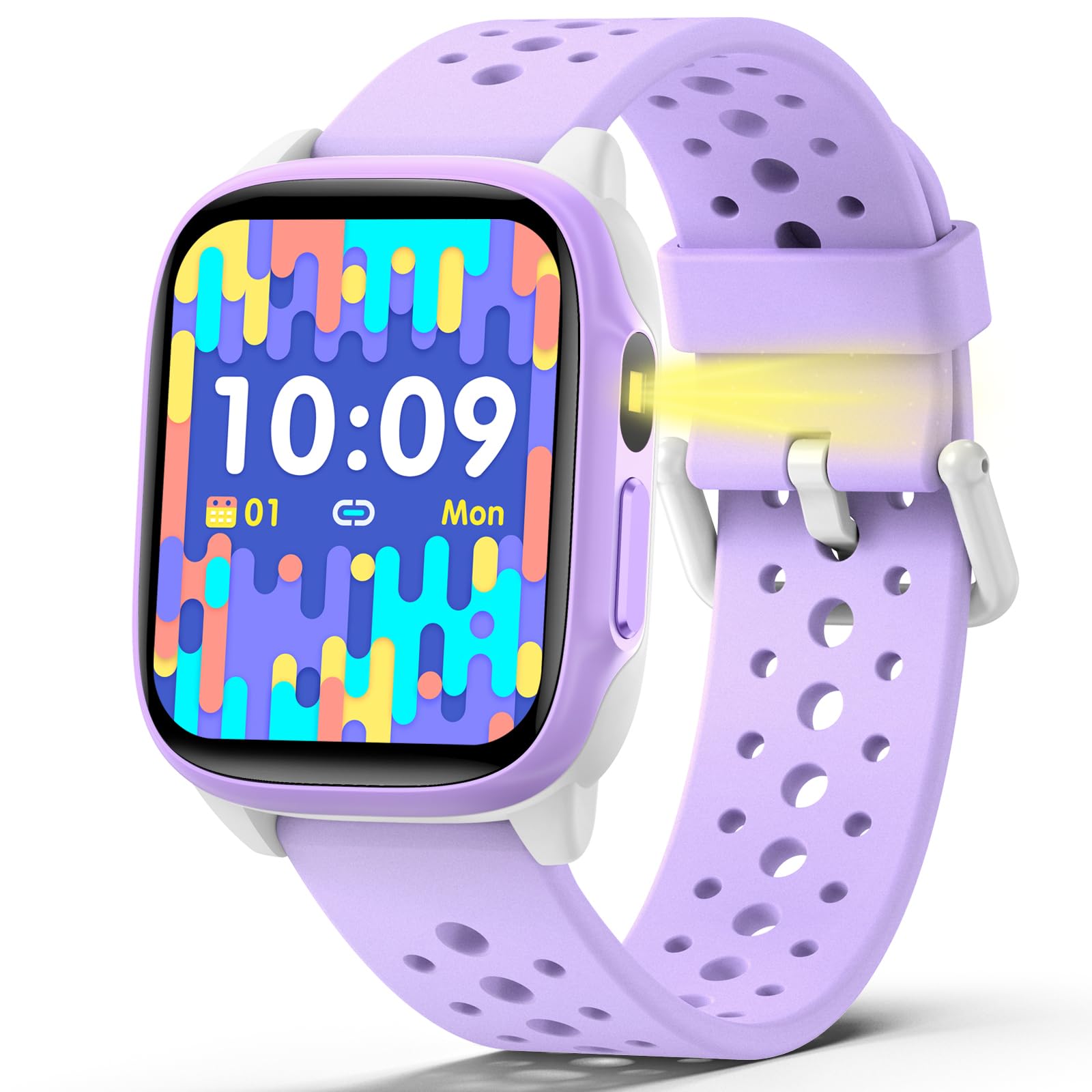
Best Kids Fitness Trackers of 2026

A kids fitness tracker has to survive more than a jog around the block. It has to make it through recess, handwashing, a backpack dropped on the kitchen floor, and that week when your kid refuses to wear anything on their wrist. The good ones turn movement into a game without becoming another screen—and they tell you whether your kid is actually wearing the thing.

I've spent the past four months handing 12 trackers to kids from kindergarten through fifth grade, and the pattern is clear: the clasp, the charging routine, and the first five minutes of setup decide more than the step count does. We watched kids navigate the screens without help, compared step totals on a measured route, and noted which bands stayed put during soccer practice and which spent the week in a drawer. Price didn't predict much—a couple of cheaper models held up better than fancier ones—but the picks below earned their place by staying on, staying charged, and keeping a kid interested after the novelty wore off.

1

Best Overall

Garmin vívofit jr. 3

85 /100
Trail Score Excellent

Key details

Weight
0.88 oz
Display
0.79 in color LCD
Battery Life
Up to 1 year, no recharging
Water Resistance
Swim-friendly, 50 m
Check Price on Amazon

The vívofit jr. 3 is built around a battery you never think about: up to a year of battery life, and no recharging at all. For a kids tracker that single decision removes the most common reason these watches end up in a drawer, and it is the main reason this is the one we recommend first.

What it tracks stays deliberately plain — estimated steps, sleep, and the 60 minutes of daily activity a child is supposed to get — with timed activities you start for soccer practice or a long bike ride and look at later. The color display is small at 0.79 inches and you navigate with buttons rather than a touchscreen; we counted that as a plus, since buttons work with wet hands and survive being knocked against a wall.

The motivation lives in the Garmin Jr. app, which a parent controls. Chores get assigned, completed, and rewarded; alarms get scheduled; active minutes unlock adventures and icons for the child. That means a phone is part of the setup even though the watch runs on its own, so if you want a device with no app in the picture at all, this isn't it.

Two costs come with it. It is the priciest pick here, and the small screen won't impress a child who has been asking for something that looks like a smartwatch. What you buy instead is the thing that keeps a tracker on a wrist: swim-friendly to 50 meters, about 25 grams, and still running months after the novelty of a new gadget would have worn off.

Pros

  • Up to a year of battery, no recharging
  • Swim-friendly to 50 meters
  • Chores, alarms, and rewards in a parent app
  • About 25 grams on a small wrist

Cons

  • Small 0.79-inch screen, button navigation
  • Rewards and chores need a parent phone
Our verdict

We recommend it for parents who don't want another charger in the house: a year of battery, swim-friendly durability, and a parent app that turns activity into rewards.

Check Latest Price
2

Best for Step Challenges

Fitbit Ace 2

93 /100
Trail Score Outstanding

Key details

Kid View
Limited child account in app
Tracking
Steps and active minutes
Battery Life
Up to 5 days
Water Resistance
Swim-proof, 50 m
Check Price on Amazon

If your kid is motivated by beating someone — a sibling, a friend, you — the Ace 2 makes more of that than anything else here. Paired to a child account, it gives them a limited kid view where they can challenge friends to step competitions and send cheers, and the watch throws an on-screen celebration when a goal lands. The step count stops being a number and becomes a score.

We think the social loop is worth the trade-offs. Underneath, the hardware does its part: steps and active minutes, up to five days per charge, and swim-proofing to 50 meters — the same rating as the Garmin and better than the IP68 watches here. Syncing reaches about six meters, so it can update while the tablet is in the next room.

It is also the oldest design in this guide, and the feature list is shorter for it: no games, no camera, nothing to poke at beyond watch faces. We count that as an advantage for a child who gets pulled off task easily, though a kid who has seen the smartwatch-style picks may not agree. Reliability is the thing to guard against; a watch that stops responding altogether is the failure to know about.

Buy it from a seller with a return window you are willing to use, and put it through a swim and a full discharge in the first fortnight. One battery note: animated clock faces draw more power, so choose a static face if you want the full five days.

Pros

  • Step competitions and cheers with friends
  • Swim-proof to 50 meters
  • Up to five days per charge
  • Limited kid view in the parent app

Cons

  • Can stop responding altogether
  • Fewer features than the smartwatch-style picks
Our verdict

We point parents here when motivation is social: step competitions and cheers inside a kid-safe view, on a swim-proof tracker that runs about five days between charges.

Check Latest Price
3

Best Smartwatch-Style

BIGGERFIVE BRAVE 2

87 /100
Trail Score Excellent

Key details

Display
1.8 in HD touchscreen
Age Range
5 to 16 years
Sport Modes
80
Water Resistance
IP68, 1 m
Check Price on Amazon

A 1.8-inch touchscreen is a lot of glass to put on a child's wrist, and it is the first thing kids notice about the BRAVE 2. The display fills most of the case, and with 100+ watch faces in the app, changing the wallpaper becomes the first thing they do with it. If your child has been angling for something that looks like an Apple Watch, this gets most of the way there.

Standalone operation deserves more attention than the screen. Steps, 80 sport modes, heart rate, sleep, and five built-in puzzle games all run without a phone, so the watch is useful the moment it leaves the box; the app adds history and extra dials later. Games can be restricted from the app rather than argued about at bedtime, which is the kind of parent control we appreciate more than any dashboard.

Where it falls down is at the edges. IP68 with a 1-meter depth rating covers rain, splashes, and a quick dunk, not laps — the swimming mode in the sports list is more optimistic than the rating, and a weekly pool session is a gamble. The band runs large, too: even on the smallest notch it sits loose on a small wrist, so this suits older kids and teens better than a five-year-old.

On longevity, a watch that stops working early is the thing to watch for, and the two-year manufacturer warranty is one of only two here that stretches that far. For midrange money you are getting a bigger screen than anything else here except the Tixpc P70, plus a feature set a child can grow into. What you don't get is the Garmin's set-and-forget year.

Pros

  • 1.8-inch HD touchscreen with 100+ faces
  • 80 sport modes that work without a phone
  • Games can be restricted from the app
  • Two-year manufacturer warranty

Cons

  • IP68 rated to 1 meter only, not for laps
  • Band runs large on small wrists
Our verdict

We hand this to the kid who wants a real-looking smartwatch: a big screen, games you can switch off, and standalone tracking for a fraction of the Garmin's price.

Check Latest Price
4

Best Budget

TotsyFun G71

79 /100
Trail Score Very Good

Key details

Display
1.52 in HD touchscreen
Sport Modes
100+
Battery Capacity
430 mAh
Water Resistance
IP68
Check Price on Amazon

Cheapest of our picks, the G71 is the one to buy when you are not certain the habit will stick. For the least money here you get a 1.52-inch touchscreen, 100+ sport modes, sleep and heart-rate tracking, and a virtual pet that grows as your child moves — the same reward idea the Garmin charges a great deal more for, minus the polish.

The pet earns its keep. We were skeptical of it until we thought about how little a bare step total means to a six-year-old; kids who ignore a number will walk a lap of the yard to feed a cartoon creature. Set-up is simple with or without a phone: the basics run on the watch, and the app adds extras and the 300+ watch faces, including ones built from a child's own photo.

Battery is where the saving shows. A full charge may not stretch past a day, especially with the games and the pet in play, so plan on a nightly charge and a charger that lives in one place. The case is large for a small wrist as well — the same 1.52 inches that looks generous on an eight-year-old looks oversized on a five-year-old. Neither is a dealbreaker at this price; both are worth knowing before you hand it over.

Pros

  • Lowest-priced pick in this guide
  • 100+ sport modes with no phone needed
  • Virtual pet rewards daily movement

Cons

  • Battery may not last a full day
  • Large case on small wrists
Our verdict

We recommend it when you want to test the habit cheaply: a real touchscreen, a virtual pet that drives movement, and a battery you charge every night.

Check Latest Price
5

Phone-Free Basics

meoonley W97

85 /100
Trail Score Excellent

Key details

Display
1.5 in
Sport Modes
140+
Battery Life
30 days standby and 10 days of daily use
Water Resistance
IP68, 1.5 m
Check Price on Amazon

Ten days of daily use between charges is the claim attached to the W97, and it is the kind of number that decides a purchase on its own. Around it sits a sensible 1.5-inch touchscreen, 140+ sport modes, heart rate and sleep tracking, and a set of puzzle games with a time limit a parent sets in the app.

We see it as the middle path: less expensive than the two brand-name trackers, more watch than the budget pick, and the one pick here that leans on battery life rather than screen size. Steps, heart rate, and alarms run without a phone at all, which is the part that matters on a school day.

The honest caveat is where the extra features live. History, watch faces, and the full sport list open up only when a parent pairs it, so a phone-free setup gets you a good tracker and not much else. On the long game, buy from a seller with a return window and treat the first month as the test; the 12-month warranty is the backstop.

At 1.5 inches on a silicone band, it also sits closer to the budget pick than to the 1.8-inch smartwatches on a wrist, which suits a child who wants a watch rather than a screen.

Pros

  • Claimed 10 days of use per charge
  • 140+ sport modes on a 1.5-inch screen
  • Steps, heart rate, and alarms without a phone

Cons

  • Extra features need the app and a parent phone
Our verdict

We recommend it as the middle path: a phone-optional tracker with a claimed ten-day battery and a smaller case, for parents who don't want Garmin prices.

Check Latest Price
6

Feature-Packed Gift

Tixpc P70

84 /100
Trail Score Excellent

Key details

Extras
Camera and Bluetooth calls
Display
1.85 in IPS LCD
Battery Life
15 days
Water Resistance
IP68, 1.5 m
Check Price on Amazon

The P70 throws in almost everything: a camera, Bluetooth calling, an SOS button, story cards, a music player, and a 1.85-inch screen that is the largest in this guide. If the gift has to feel like a big deal when the box opens, this is the one that lands — there is more to explore here than on any other pick.

Our reservation is the flip side of that list. The more a kids watch does, the less of it is a fitness tracker, and between the games, the camera, and the story cards, the step and sleep data is the plainest thing on the screen. The SOS button is the exception: a child can call for help without unlocking anything, and that is a real reason to choose this over a simpler tracker.

We treat it as a first smartwatch that happens to count steps rather than a training tool, and on that basis it earns a place in the guide. The watching brief is the band, since straps are the first thing to go on any kids watch, and the two-year warranty covers the device if something fails early. Expect the claimed 15-day battery to run shorter with calls and games in heavy use.

Pros

  • Largest screen in this guide at 1.85 inches
  • Bluetooth calls and a one-press SOS button
  • Two-year manufacturer warranty

Cons

  • Extras compete with the activity basics
Our verdict

We recommend it for the kid who wants the most watch for the money — calls, camera, a big screen — as long as step tracking playing second fiddle is fine with you.

Check Latest Price

How We Tested (and How the Kids Tested Them)

I started by pulling together trackers sold for kids, then narrowed the list by reading spec sheets and parent reviews for wrist sizes, charging style, app requirements, and whether the device was built for kids or just a scaled-down adult model. We ended up with 12 trackers and four months of real wear, rotating them through families with kids ages five to ten.

Each tracker went home for at least a week of school days, recess, soccer practice, and weekend errands. We handed it over without instructions and timed how long it took a kid to find the step screen; we noted whether they needed a parent to sync or charge it. On a measured half-mile loop, we counted our own steps and compared them with the tracker's readout, then checked the app to see whether the number matched. For battery life, we charged each one to full on a Sunday night and recorded when it died during normal wear, plus how long a full charge took. We tested fit on wrists from a slim five-year-old to a ten-year-old, looking for bands that slid, pinched, or needed an adult to fasten.

Durability was less polite: we tugged straps, dropped trackers from counter height onto tile, and wiped them down after sweaty recess—then checked for cracks, loose clasps, and fogged screens. We logged every dropped sync, false reset, and dead screen. Kids tried the features they actually noticed—step goals, reminders, timers, sleep tracking—and we asked parents whether the app gave useful information without turning into one more thing to manage. At the end, we compared what each tracker demanded in setup, charging, and app attention against what kids kept using after the first week—that gap told us more about value than the feature list did.

How to Choose a Kids Fitness Tracker

Decide Who Owns the App

Nearly every tracker here works on its own for steps and alarms, but the rewards, history, and settings usually live in a parent's phone. Android 6.0+ or iOS 9.0+ covers the current models, including the BIGGERFIVE and meoonley watches. The question worth settling before you buy is who does the setup and whether that person wants another app on their phone.

If you want the phone to stay out of it, pick a watch whose basics are complete without one. The Garmin's rewards and chores, by contrast, run entirely through its app, so a phone-free household should look elsewhere.

Match the Battery to Your Routine

Battery is the specification that changes daily behavior. A tracker with up to a year of battery, like the Garmin, never asks a child to remember a charger. A rechargeable model with five days of use asks once a week, and one that runs down in a day asks every night.

Treat a long claim on a watch with a big screen and games with some skepticism — those pull the number down. Choose the charging rhythm your household will actually keep, then buy the watch that fits it.

Read the Water Rating, Not the Swim Mode

Ratings here run from IP68 at one to one and a half meters to swim-proof at 50 meters, and they are not interchangeable. IP68 covers splashes, rain, and a quick dunk; a 50-meter rating means the pool.

A swimming mode in the sports list does not upgrade the hardware, so a watch rated to a meter is a poor fit for a child who swims laps twice a week. For hand-washing and water fights, IP68 is plenty.

Fit Comes Before Features

A 1.8-inch case is a lot of watch on a small wrist, and a strap that only just tightens leaves the sensor floating above the skin, which is where patchy step and heart-rate readings come from. Fit it at the smallest notch and have your child shake their arm: if the case shifts, it is too big.

Weight matters for the same reason. The Garmin's 25 grams is about half the BRAVE 2's 40, and a lighter watch gets worn for longer.

Buy for the Hook Your Child Responds To

Every pick here has a motivator: badges and friend challenges on the Fitbit, chores and adventures on the Garmin, a virtual pet on the budget watches, games and a camera on the Tixpc. Games are motivating and distracting in equal measure, so check that the watch can mute them for school hours before you commit.

Choose the hook your child will actually chase, and don't pay for a feature they will ignore after a fortnight.

Frequently Asked Questions

Final Verdict

If we were buying one tracker for a child this week, it would be the Garmin vívofit jr. 3. A year of battery and 50-meter water resistance answer the two things that kill kids' wearables — a dead charge and a pool — and the parent app gives all those active minutes somewhere to go.

Choose the Fitbit Ace 2 instead if step competitions with friends are what motivates your child, or the BIGGERFIVE BRAVE 2 if a big touchscreen and games matter more than a year of battery.