Best Wrist Blood Pressure Monitors for Home Use of 2026

Wrist blood pressure monitors carry a reputation problem: they're the convenient option, not the trustworthy one. Anyone who's watched a nurse re-take a reading after a home monitor came back strange knows the suspicion is earned. But a wrist cuff worn properly — seated, forearm supported, wrist level with the heart — tracks closely with the upper-arm cuff at your doctor's office, and it goes on in seconds without a sleeve pushed up to your shoulder.

I've been the person taking a reading in a hotel room the morning of a cardiology appointment, so convenience isn't small to me. Over the past three months, my team and I wore 14 wrist monitors through morning and evening readings, packing a few into carry-ons and handing others to relatives with very different wrist sizes. What separated them wasn't the spec sheet — it was whether the display was legible before I found my glasses, whether the cuff actually closed on a 5.5-inch wrist, and whether the app was worth the bother. The picks below are the ones we'd hand to a family member.

1

Best Overall

Omron 7 Series

87 /100
Trail Score Excellent

Key details

Memory
90 readings
Averaging
Up to 3 readings
Connectivity
Bluetooth app
Wrist Cuff Fit
5.3-8.5 in
Check Price on Amazon

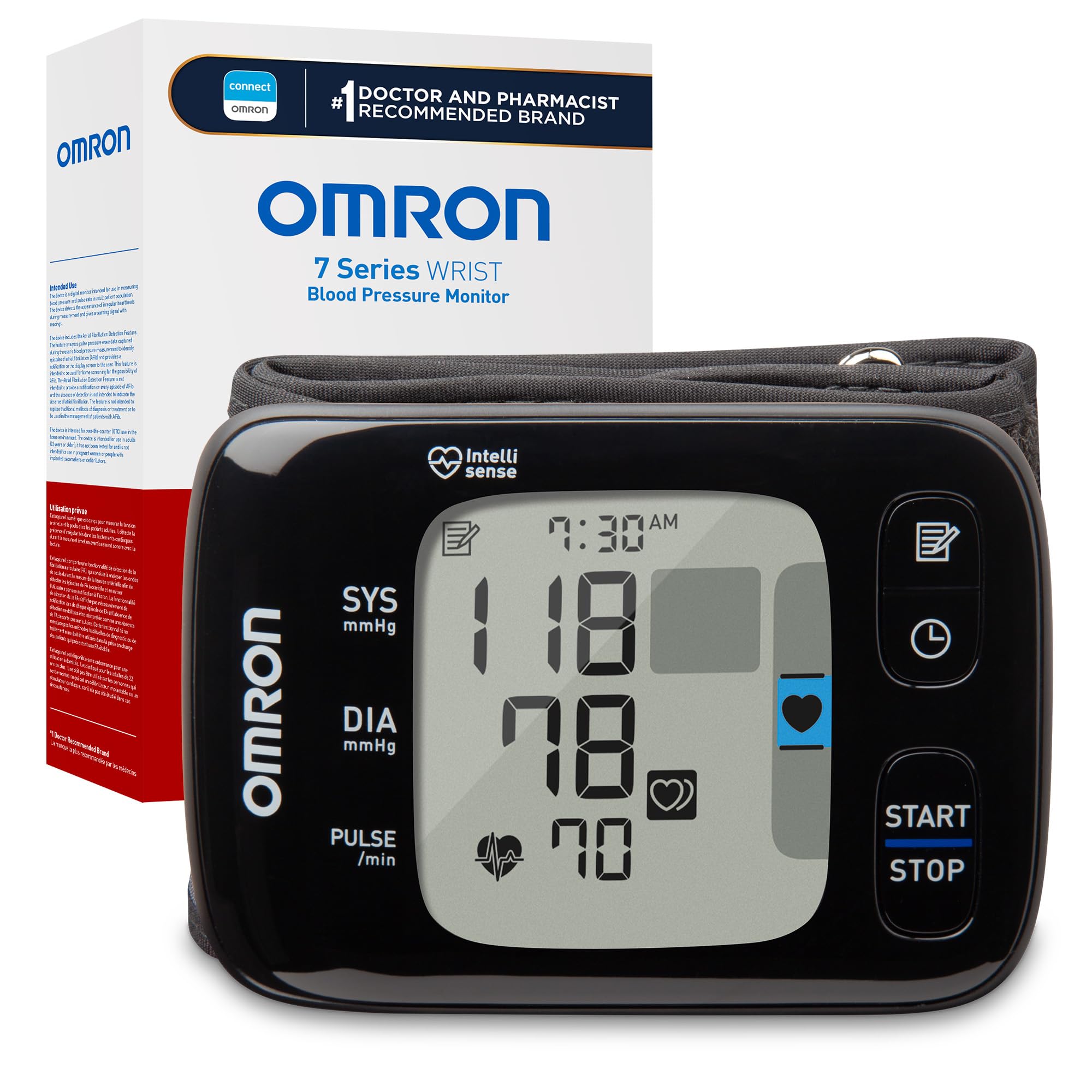
Three readings, one number. The 7 Series takes consecutive measurements a few minutes apart and hands back the average, and that single behavior is why it leads this group. A wrist cuff is easy to throw off: slump in the chair, let your forearm drop below heart level, and a perfectly good device records something you do not recognize. Averaging does not fix bad posture, but it stops one stray reading from becoming your record for the day, and we liked not having to remember to take a second measurement and do the arithmetic ourselves.

The hardware is unfussy. The cuff is attached, so there is nothing to thread, and it fits wrists from 5.3 to 8.5 inches, the same range as the Omron Gold and the Meraw. Ninety readings stay on the device, which works out to about six weeks at twice a day, and everything syncs over Bluetooth to the OMRON connect app, where the history is unlimited and exportable as a report. Pairing took us a couple of attempts the first time, then settled down.

What you are paying for is the averaging and the reporting rather than polish. The case is basic, the interface is sparse, and there is nothing here for someone who wants their monitor to feel like a gadget. That is an honest trade: the money goes into the measurement routine and the app instead of the finish, and the routine is the part that changes what you get out of a wrist cuff.

Where it earns its keep is a household tracking blood pressure seriously, where two readings a day for months is the point and a clinician wants the pattern rather than a single number. Press start, sit still, and the machine does the rest. A routine short enough that twice a day does not turn into a chore is most of the battle with any home monitor.

Pros

  • Averages up to three readings automatically
  • Wide 5.3- to 8.5-inch attached cuff
  • App stores unlimited readings to share
  • 90-reading on-device memory

Cons

  • Display is not backlit
  • Only 90 readings stored on the device
Our verdict

Our pick for most households: it takes three readings and hands back the average, which is the most useful accuracy help in this group of wrist monitors.
Check Latest Price
2

Best for Night-Time Checks

Meraw Wrist Monitor

85 /100
Trail Score Excellent

Key details

Display
Backlit LCD
Connectivity
Bluetooth app with export
Wrist Cuff Fit
5.3-8.5 in
Position Feedback
Cuff wrap and motion
Check Price on Amazon

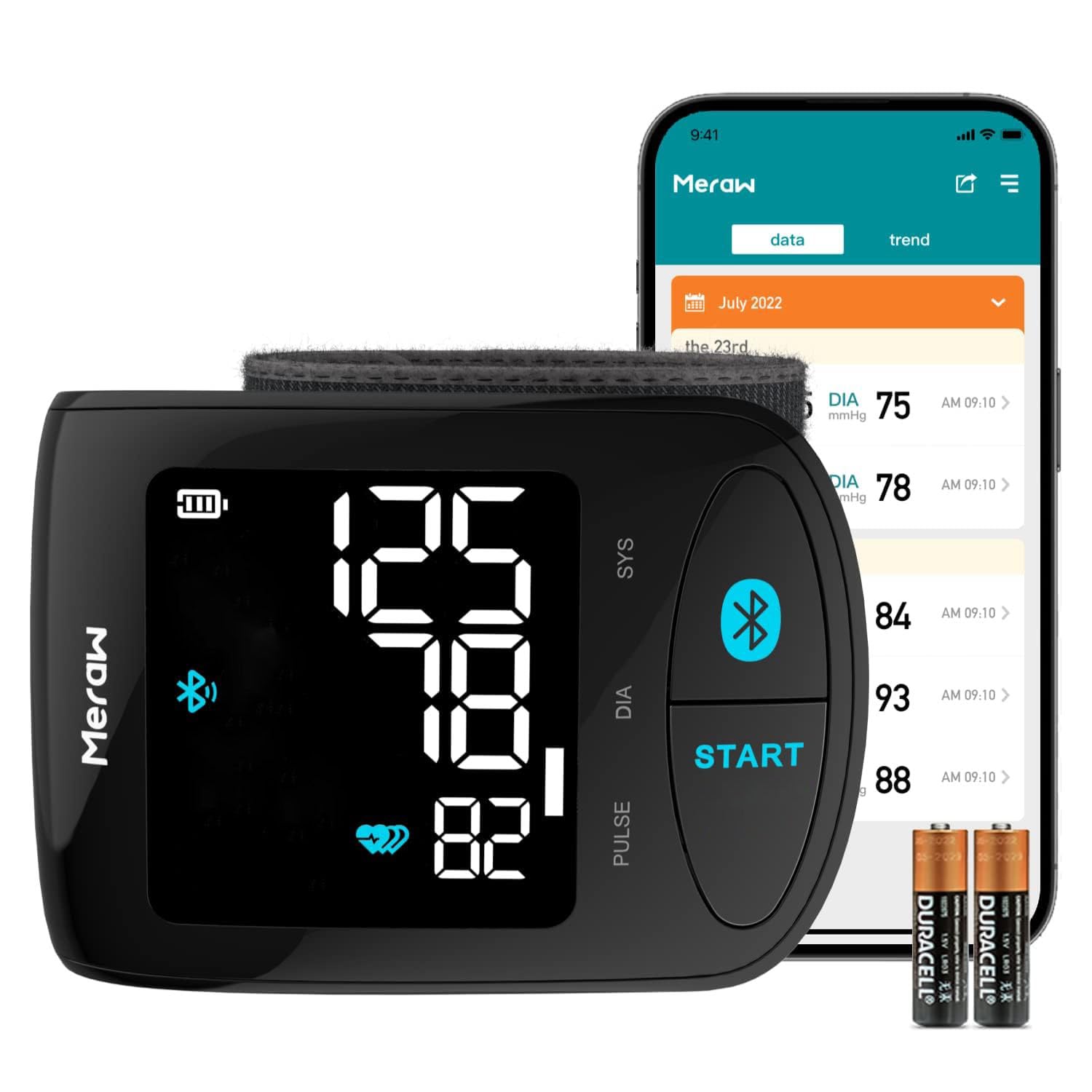
The first thing we noticed about the Meraw is the screen. It is backlit, it stays legible in a dim room, and neither Omron here manages that. If you check your pressure before bed or before dawn, that detail decides more mornings than any line on a spec sheet.

The coaching is the better argument. Before it measures, the monitor shows whether the cuff is wrapped snugly and signals when your wrist is at the right height, and a motion sensor catches you shifting mid-reading. We found the prompting irritating in exactly the right way: it is hard to take a sloppy reading and then blame the machine.

The cuff covers 5.3 to 8.5 inches, a reading takes about 35 seconds, and everything syncs to the Meraw Health app over Bluetooth, where you can export or print a log. That export is the part we used most: two weeks of morning readings on one page is a far more useful thing to hand a clinician than a number remembered from Tuesday. It costs more than the budget machines and less than the Omrons, and it is the one we reach for when the room is dark.

Pros

  • Backlit screen readable in a dark room
  • Cuff-wrap and body-motion feedback
  • Exports readings to share with a clinician
  • Wide 5.3- to 8.5-inch adjustable cuff

Cons

  • App is plain beyond logging and export
Our verdict

Buy it if the reading happens before dawn: a backlit screen and wrist-position coaching answer the two things that most often ruin a wrist measurement.

Check Latest Price
3

Best for Two Users

Omron Gold

86 /100
Trail Score Excellent

Key details

Memory
200 readings per user
Connectivity
Bluetooth app
Wrist Cuff Fit
5.3-8.5 in
Morning Tracking
High morning average
Check Price on Amazon

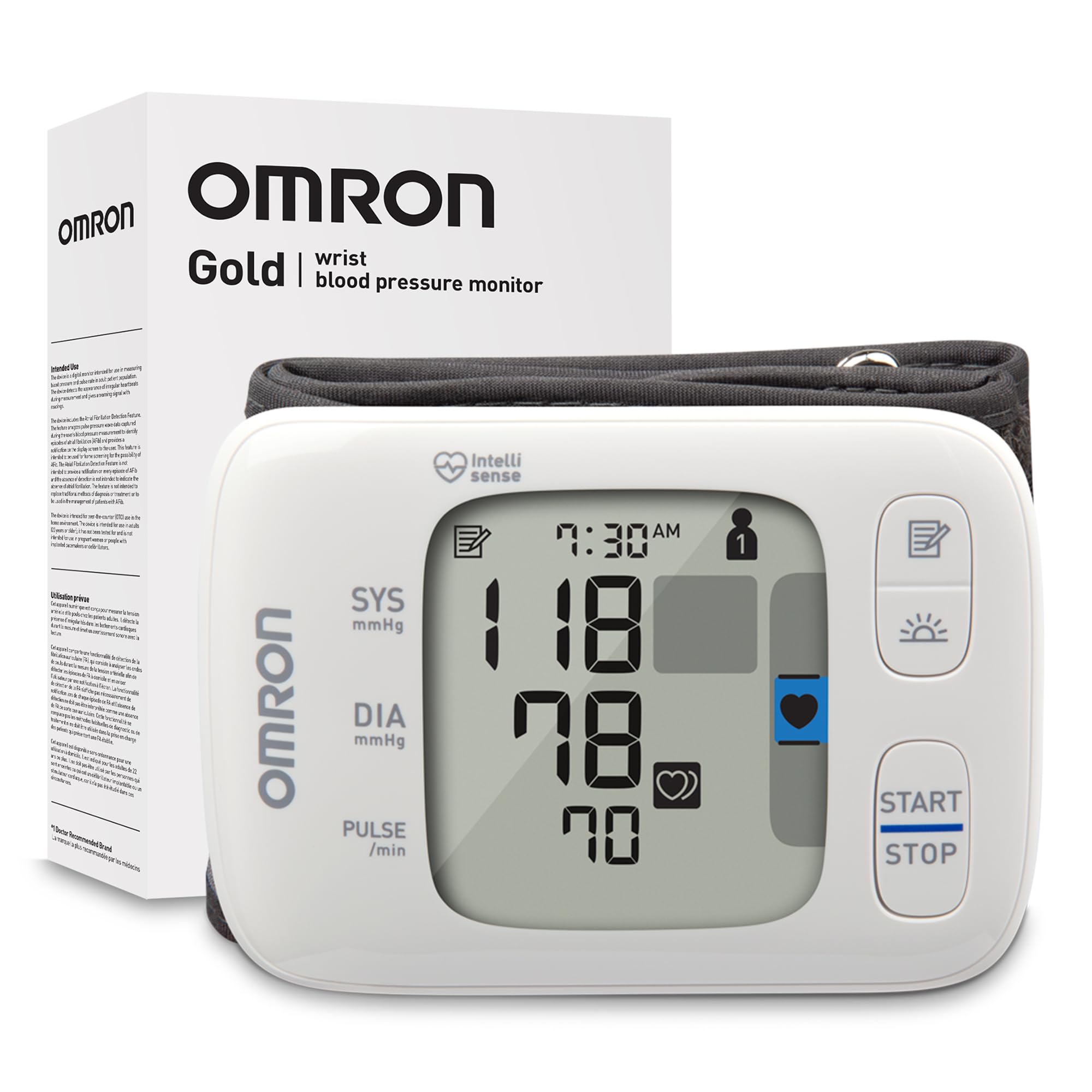
Two hundred readings for each of two people, held separately on the device. That is the case for the Gold, and it is a real one in a household where both partners are tracking. Nobody signs in anywhere or has to remember whose turn it was.

The High Morning Average Indicator is the sharper feature, and it is the thing the 7 Series does not do. It looks specifically at readings taken soon after waking and flags when that average runs high, which is often the first thing a doctor asks about. If you have been told to check before breakfast, this is the model that answers the question directly, and we think the difference is worth paying for.

In the hand it is the same compact body as the 7 Series, with the same attached cuff and the same two AAA batteries, so nothing about wearing it feels different. What you are accepting is a specialist's trade: the most money in this group goes to memory and morning tracking rather than to the rest of the experience. Monitor alone, and the 7 Series is the better buy; monitor with a partner and a doctor's interest in your mornings, and this is the one.

Pros

  • Separate 200-reading memory for two users
  • High morning average indicator
  • Irregular heartbeat detection during readings
  • App records unlimited readings

Cons

  • Screen is dim without strong light
  • App pairing can fail repeatedly
Our verdict

The one for two people sharing a monitor, with separate 200-reading histories and a morning average that answers the question a doctor asks first.

Check Latest Price
4

Best Budget Pick

MBUPAI Wrist Monitor

88 /100
Trail Score Excellent

Key details

Power
USB rechargeable
Memory
90 readings per user
Display
Large LCD with voice
Charging Time
2-3 hours
Check Price on Amazon

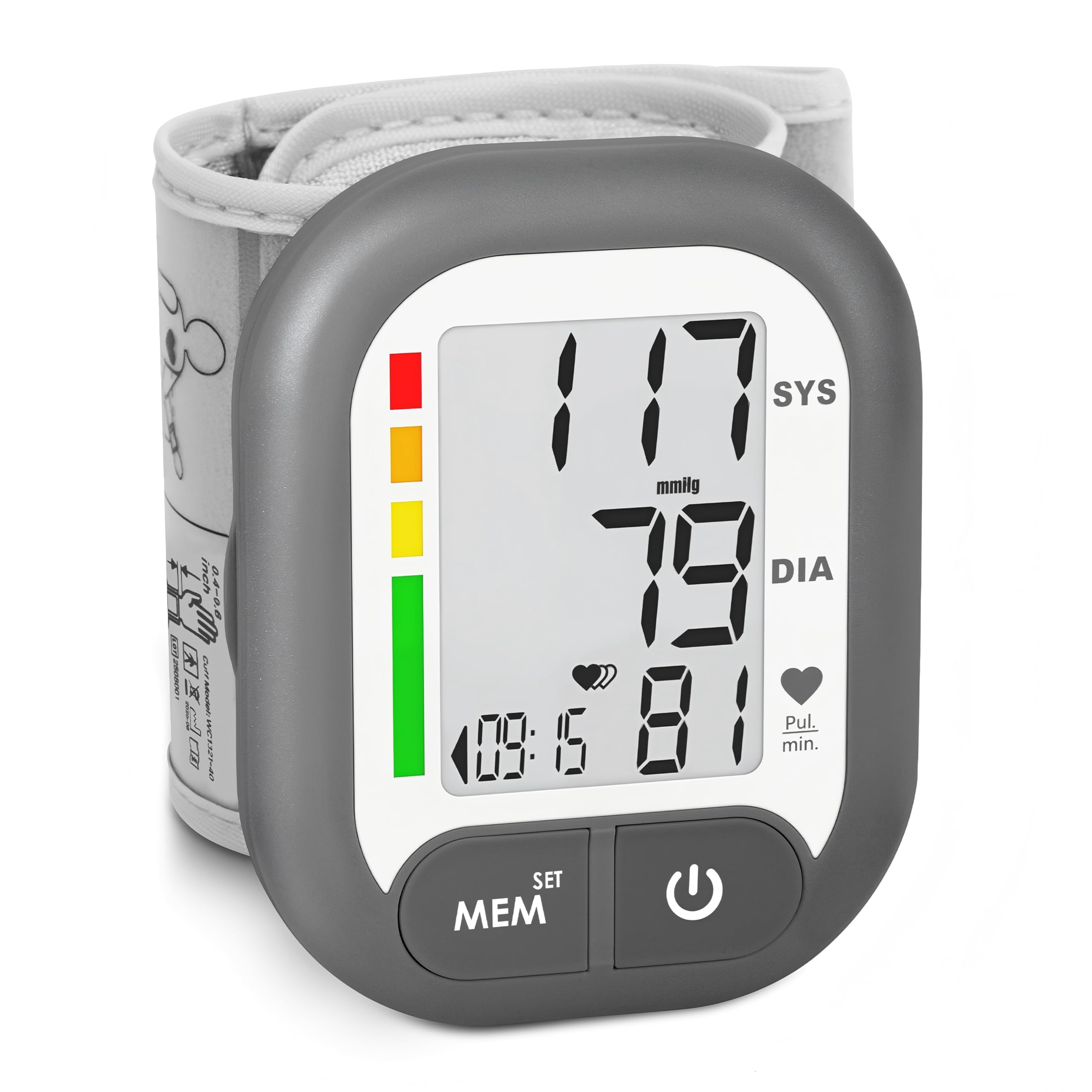
At the bottom of the price range, the MBUPAI makes one trade that is easy to live with: it charges over USB instead of eating AAAs. Two to three hours on the cable fills it, there is no drawer of half-dead batteries to manage, and a week away means one cable alongside your phone's.

The rest is more than we expected for the money. Two user memories hold 90 readings each, the display is large and high-contrast, and a voice reads the result aloud, genuinely useful if the person using it left their glasses in the other room. One button starts the whole thing, and it goes in a bag without a second thought.

The thing to check before ordering is fit. The listing does not publish a wrist range, so if your wrist measures well outside the 5.3-to-8.5-inch span most of these use, ask the seller or pick a model that states its number. Otherwise this is the sensible first monitor, and the one to hand someone who wants a reading without a ritual.

Pros

  • USB rechargeable, no battery habit
  • Two user memories of 90 readings each
  • Large display plus voice announcement
  • One-button operation

Cons

  • Sealed battery cannot be swapped for AAA
Our verdict

A sensible first monitor or a second one for travel: rechargeable, dual-user, and inexpensive enough to keep in a bag without worrying about it.

Check Latest Price
5

Position Coaching

Homedics BPW-O300

88 /100
Trail Score Excellent

Key details

Power
2 AAA batteries
Alerts
Motion and heartbeat detection
Memory
60 readings per user
Position Feedback
Wrist position sensor
Check Price on Amazon

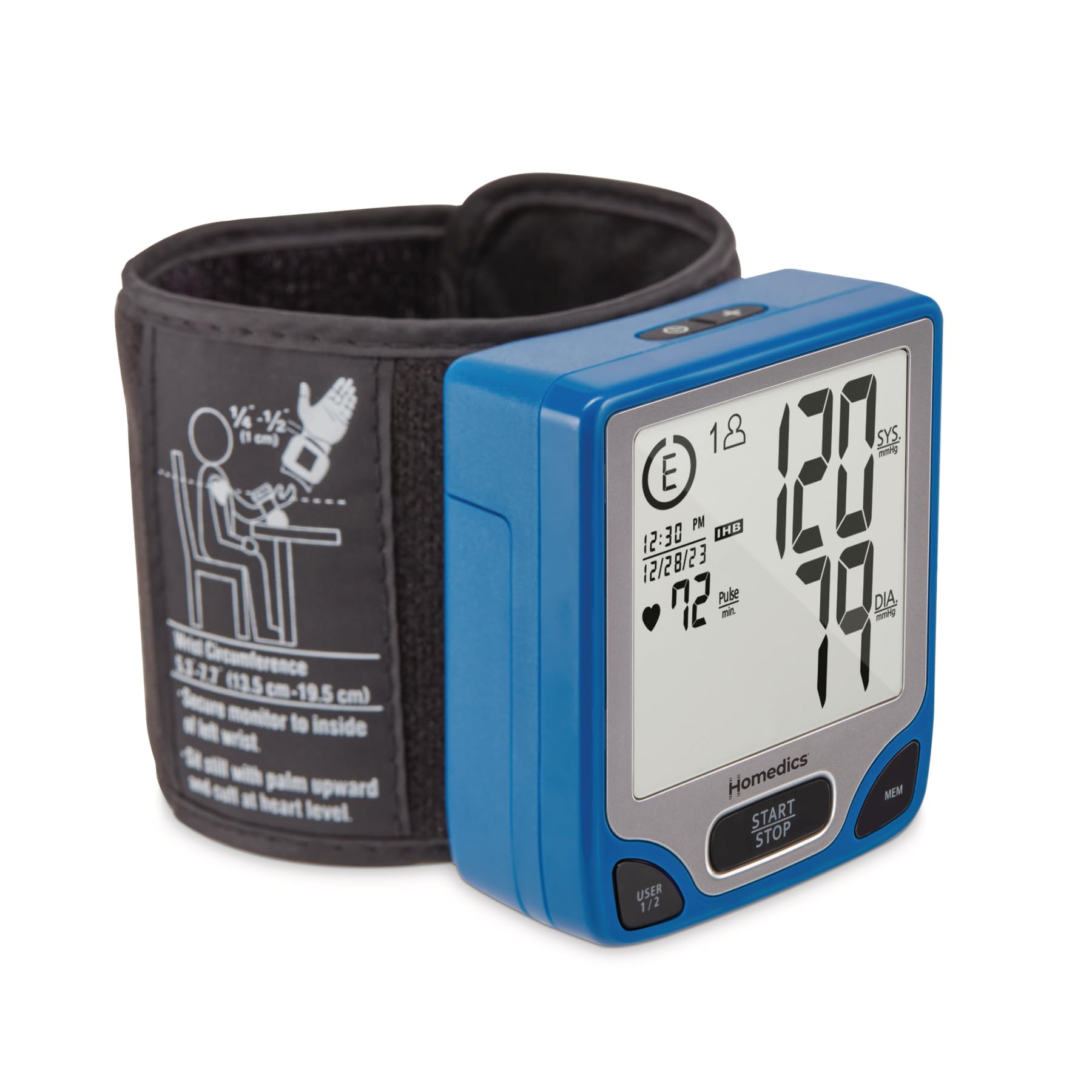
The BPW-O300 will not quietly record a bad reading. It watches your wrist position as the cuff inflates, tells you to move your arm, and waits. That is more interruption than most people want, and it is exactly the coaching a wrist monitor needs.

The rest of the package is competent rather than exciting: two user memories holding 60 readings each with a last-three average, an irregular-heartbeat detector, a body-motion sensor, a risk-category index and a date and time stamp, all in a body small enough for a drawer with a hard case for travel.

The prompts are non-negotiable, too. There is no setting that turns the coaching off, so every reading takes a little longer than it would on a plain machine, and if your wrist does not settle where the sensor wants it you will repeat the check. That is the trade: this is the fussiest routine in the group, and the one that makes sloppy technique hardest to get away with. For someone whose numbers swing between visits and who has never been sure why, that fuss is the feature.

Pros

  • Checks wrist position before measuring
  • Two user memories with a last-three average
  • Flags irregular heartbeats and body motion
  • Compact body with a hard storage case

Cons

  • 60 readings per user fills up fast
Our verdict

Worth it if your readings wander with your posture: it will not quietly record a measurement until your wrist is where it should be.

Check Latest Price
6

Audible Readings

MMIZOO Wrist Monitor

86 /100
Trail Score Excellent

Key details

Power
2 AAA batteries
Memory
99 readings per user
Display
Large LCD with voice
Measurement Time
45 seconds
Check Price on Amazon

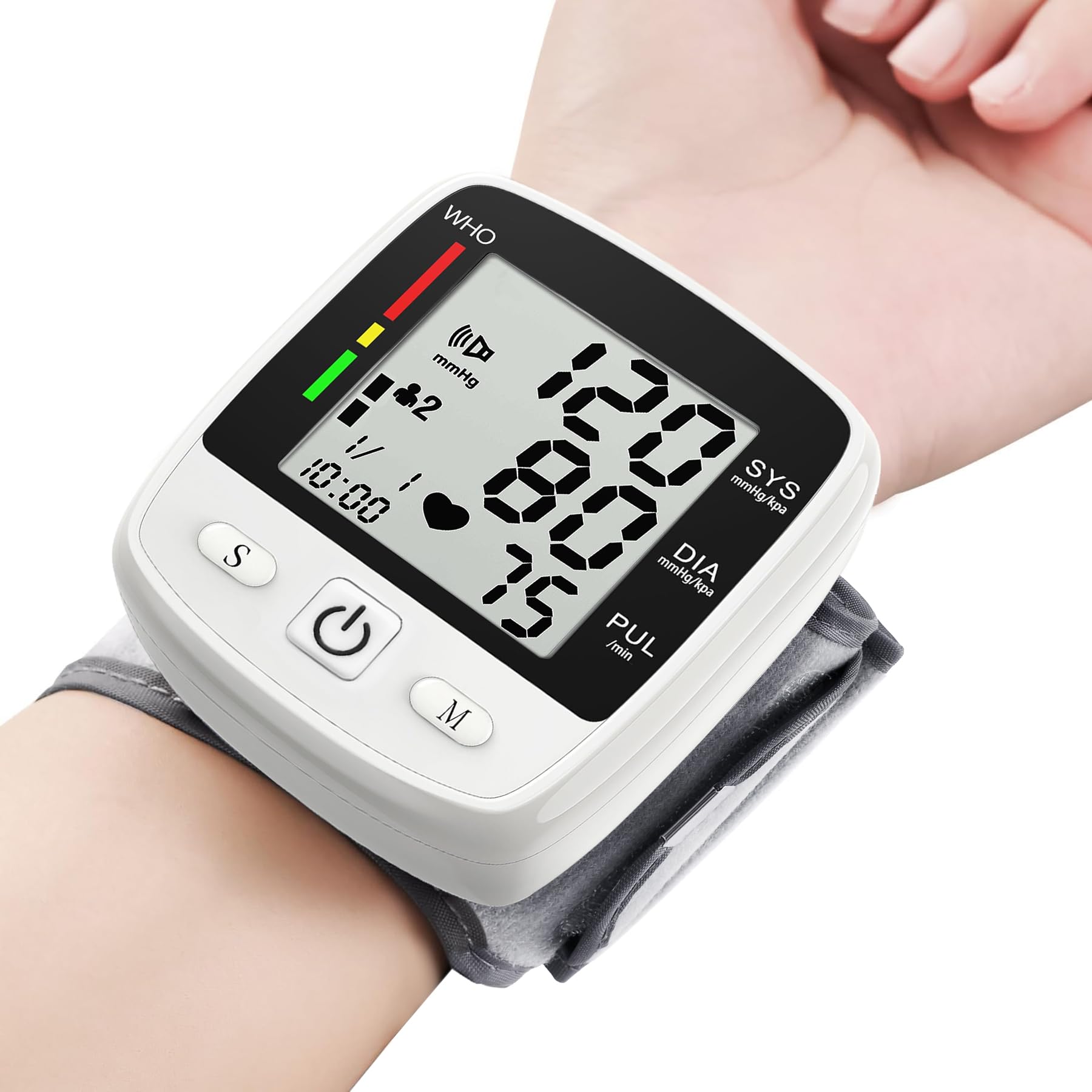
The MMIZOO talks. Press start and a voice walks you through the cuff, then announces systolic, diastolic and pulse. That is useful for anyone whose eyesight is not what it was, and oddly reassuring even if it is.

Behind the voice is a 45-second measurement, a large high-contrast LCD, two user memories of 99 readings each, and a hard case that makes it a genuinely portable monitor. Two AAAs run it, so there is no charging routine and no cable to lose.

What it is not is the most consistent machine here. A loose wrap shows up in the numbers, and the voice cannot tell you the cuff is crooked, so check the fit yourself before you press start. At this price, with 99 readings for each of two people and a case in the box, it is still the machine we point older relatives toward when they want to hear the result as well as see it, and it travels well.

Pros

  • Speaks the reading and the prompts aloud
  • 99 readings for each of two users
  • Large, easy-to-read LCD
  • Carrying case included

Cons

  • Cuff inflation can stall mid-reading
Our verdict

Best for someone who wants to hear the number as well as see it, with big digits and a voice that announces the result.

Check Latest Price
7

Low-Cost Daily Log

BENECEN Wrist Monitor

84 /100
Trail Score Excellent

Key details

Power
2 AAA batteries
Memory
199 readings
Wrist Cuff Fit
5.31-8.46 in
Measurement Time
30 seconds
Check Price on Amazon

One hundred and ninety-nine stored readings, each with a date and time stamp, on the least expensive monitor in this group. That is the pitch, and for anyone who wants a record rather than a single number, it is a good one.

The cuff is published as 5.31 to 8.46 inches, one of the few ranges stated outright here, so most adult wrists will fit it. A reading takes about 30 seconds, the screen is large and plain, and the machine shuts itself off after a minute of idling so the batteries are not quietly dying in a drawer.

It runs on two AAA batteries, which is the one recurring cost to plan for: no cable to pack, but a spare pair to keep on hand. The upside is that a flat battery is a two-minute problem rather than a lost charger, which matters if the monitor lives in a bag and gets checked at work.

None of that changes what it is: the least expensive way here to build an actual record instead of a memory, and quick enough that twice a day does not feel like a project. If two of you are monitoring, or you want the numbers on your phone, spend more. For one person keeping a dated log at home, this is enough.

Pros

  • 199 dated readings in memory
  • Published 5.31- to 8.46-inch cuff range
  • Reads in about 30 seconds
  • Lowest price in this set

Cons

  • No app or export; the log stays on the device
Our verdict

A cheap, straightforward monitor with the longest memory here and a published cuff range that fits most adult wrists.

Check Latest Price

How We Chose and Tested 14 Wrist Monitors

We started with roughly 40 wrist monitors sold at mainstream retailers and cut the list down by cuff circumference range, display size, memory slots, and price, dropping any model with a fixed cuff that wouldn't fit a wide spread of adult wrists. That left 14, from plain two-button units to app-connected models with multi-user memory. Two editors and three family members with wrists between about 5.5 and 8.5 inches took turns wearing each one.

Testing ran three months. Every monitor was used twice a day, morning and evening, seated at a kitchen table with the forearm resting on a folded towel so the wrist sat level with the heart. We also ran each one the wrong way on purpose — arm hanging at the side, wrist unsupported — to see how far the numbers drifted and whether the monitor flagged it. Three times during the test period, monitors went along to a nurse visit and were checked against the office's upper-arm cuff, three readings each, so we were judging accuracy rather than just consistency.

Ease of use was judged one-handed: could we strap it on, start it, and read the result without help? We closed each cuff on the smallest and largest wrist in the group and noted where it pinched or slid. Displays were checked in a dim bedroom at 6 a.m. and under bright kitchen light, and we counted button presses to reach a stored reading. For Bluetooth models we paired the app, synced a week of readings, and tried to export a report to bring to a doctor; battery life was logged from install or full charge to the first low-battery warning. We also emailed or called each brand's support line with a cuff-sizing question and timed the reply. Throughout, we kept asking whether the extras earned their price or just dressed up the box.

How to Choose a Wrist Blood Pressure Monitor

Start With the Cuff, Not the Brand

The cuff has to close snugly around a bare wrist, with the device sitting roughly level with your heart. Most of the models here publish a range of about 5.3 to 8.5 inches, and the BENECEN lists 5.31 to 8.46, so measure your wrist with a tape before you order. If you fall outside that span, an upper-arm cuff in the right size is the more dependable choice, and most clinics will size one for you.

The trap is the phrase one size fits most. It means one size of cuff, not one size of wrist, and a cuff that overlaps loosely will read high no matter what the box promises.

Position Feedback Is Worth More Than Extra Features

A wrist reading shifts when your forearm drops below heart level or the cuff sits crooked, which is why the better-equipped monitors now coach you through it. The Meraw shows cuff wrap and wrist height, the Homedics will not record until your position is right, and the Omron 7 Series takes three readings and averages them so one bad wrap does not dominate.

None of that fixes a bad habit, but each makes a bad habit harder to get away with. If you already sit still at the same time every day, you can save the money and buy on fit and screen instead.

Read the Screen Before You Buy It

Digit size matters less than contrast. Several models here have large numbers but no backlight, which is fine at a kitchen table and frustrating in a dark bedroom at six in the morning. Think about where you will actually take the reading and choose for that light.

A talking monitor is the practical answer for anyone with low vision: the MMIZOO and MBUPAI both announce the result aloud, and the voice is loud enough to hear without leaning in.

Match the Memory to How Often You Check

Sixty stored readings is a month at twice a day; 90 buys you about six weeks; 199 covers roughly three months. If you only compare readings between appointments, a small memory is plenty and a notebook does the rest.

If you are building a log for a clinician, or two of you share one device, look for separate user memories of 90 or more, or an app that stores unlimited readings and lets you export them. A single shared list gets useless fast when two people's numbers are mixed together.

Decide How You Feel About Batteries

AAA batteries are the simplest thing to live with: cheap, everywhere, and swapped in seconds when they die. A sealed rechargeable model, like the MBUPAI here, removes the battery habit but adds a cable to pack and a cell you cannot replace when it ages.

Neither is wrong. A rechargeable suits a monitor that lives on a nightstand; AAAs suit one that travels in a bag, where a spare pair weighs nothing.

Frequently Asked Questions

Final Verdict

The Omron 7 Series is the one we point most people toward, because the three-reading average does the work a wrist monitor needs done and the app gives you something worth handing to a clinician at the next appointment.

If the reading happens in a dark bedroom, the Meraw's backlit screen and position coaching make it the better fit for less money, and the Omron Gold is worth the step up only if two of you are tracking or a doctor has asked about your mornings. Spending carefully? The MBUPAI covers the essentials.