Best Overall

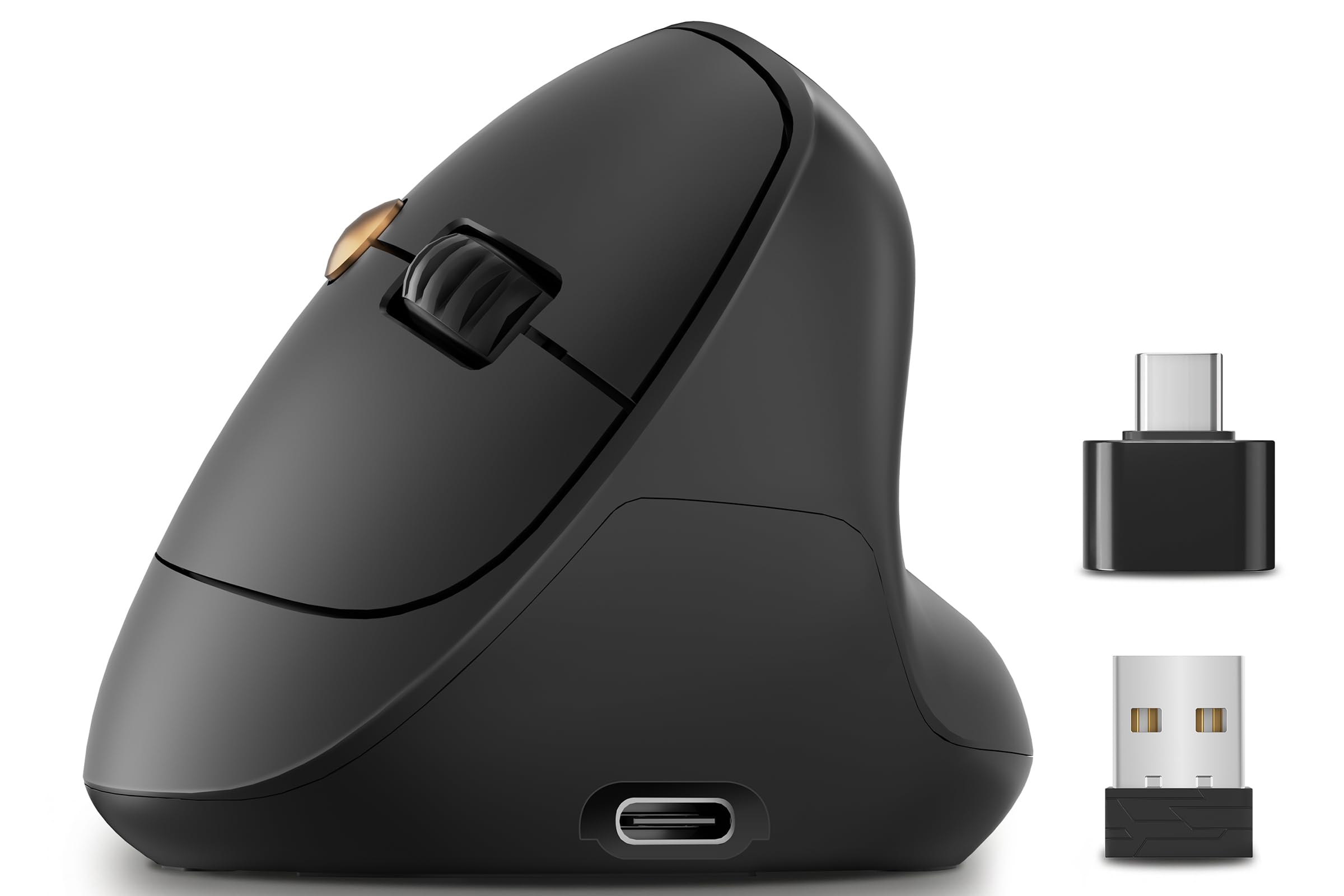
TECKNET Vertical Mouse
Key details
- Hand
- Right hand
- Battery
- 2 AAA, up to 24 months
- Connection
- 2.4 GHz and Bluetooth 5.0/3.0
- Max Sensitivity
- 4800 DPI
Two Bluetooth channels plus a 2.4 GHz dongle is a lot of connectivity for a mouse at the budget end, and it's the first reason this one became our default. Leave the receiver in a desktop, pair Bluetooth to a work laptop and a tablet, and a button on the ridge hands the cursor from one to the other without re-pairing anything.
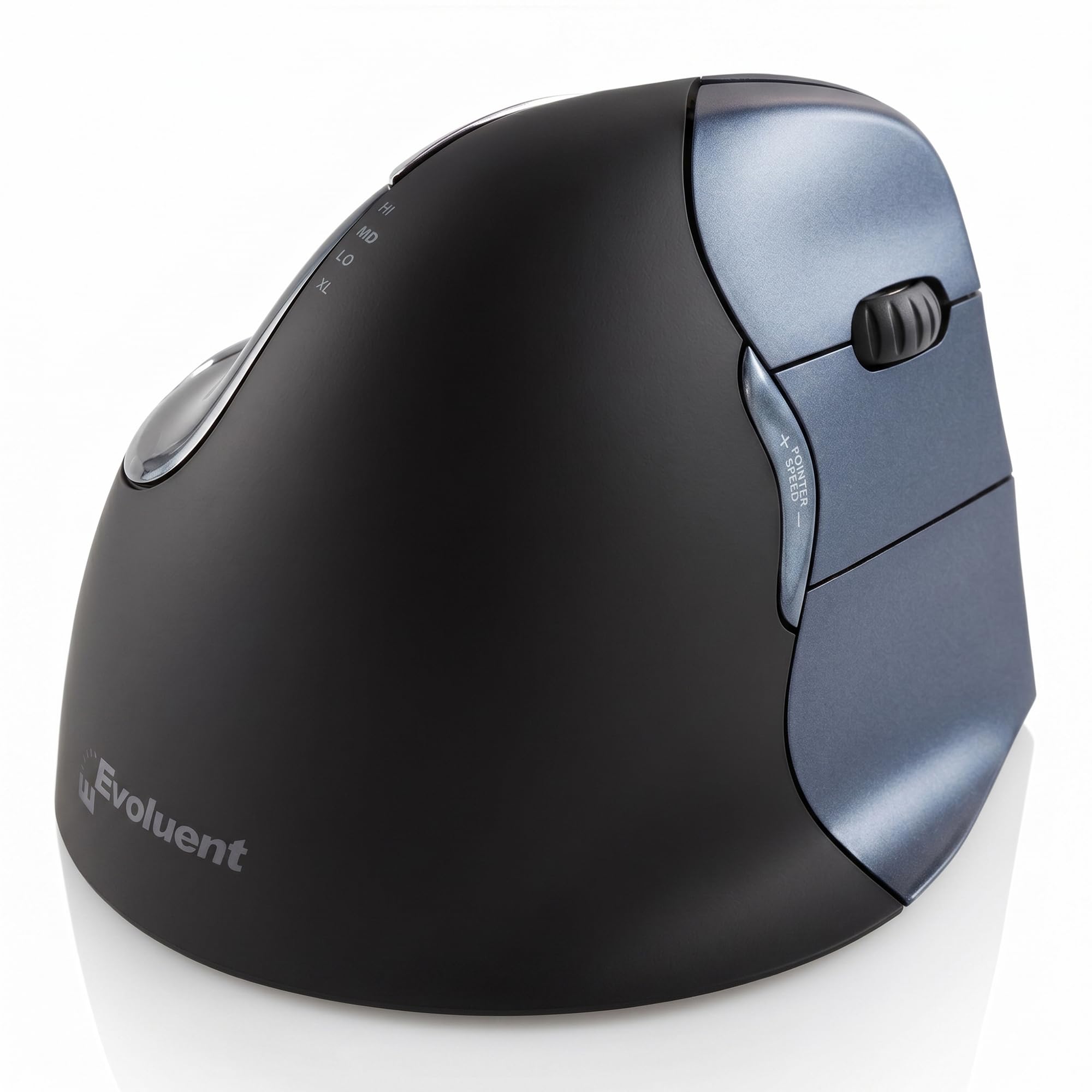
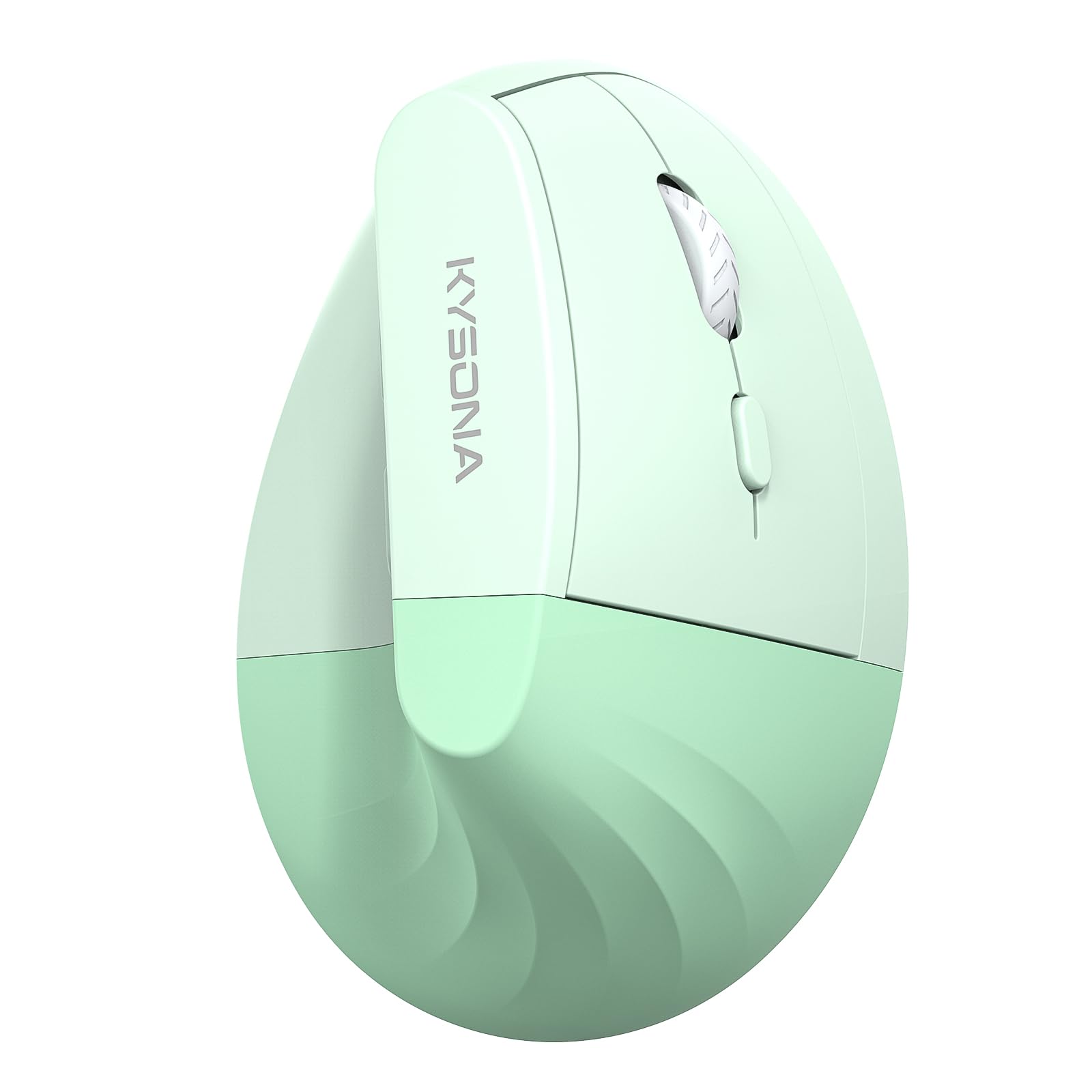
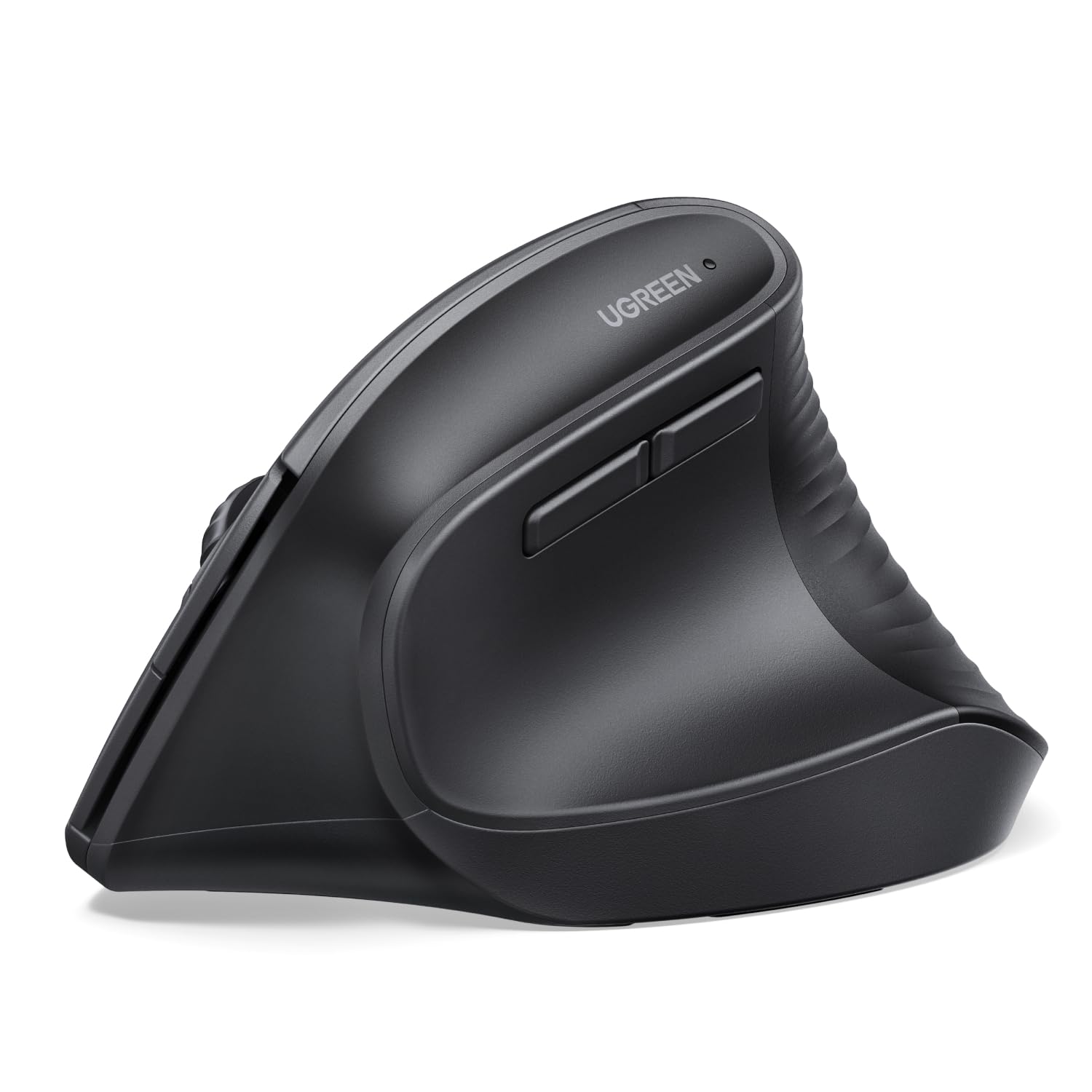
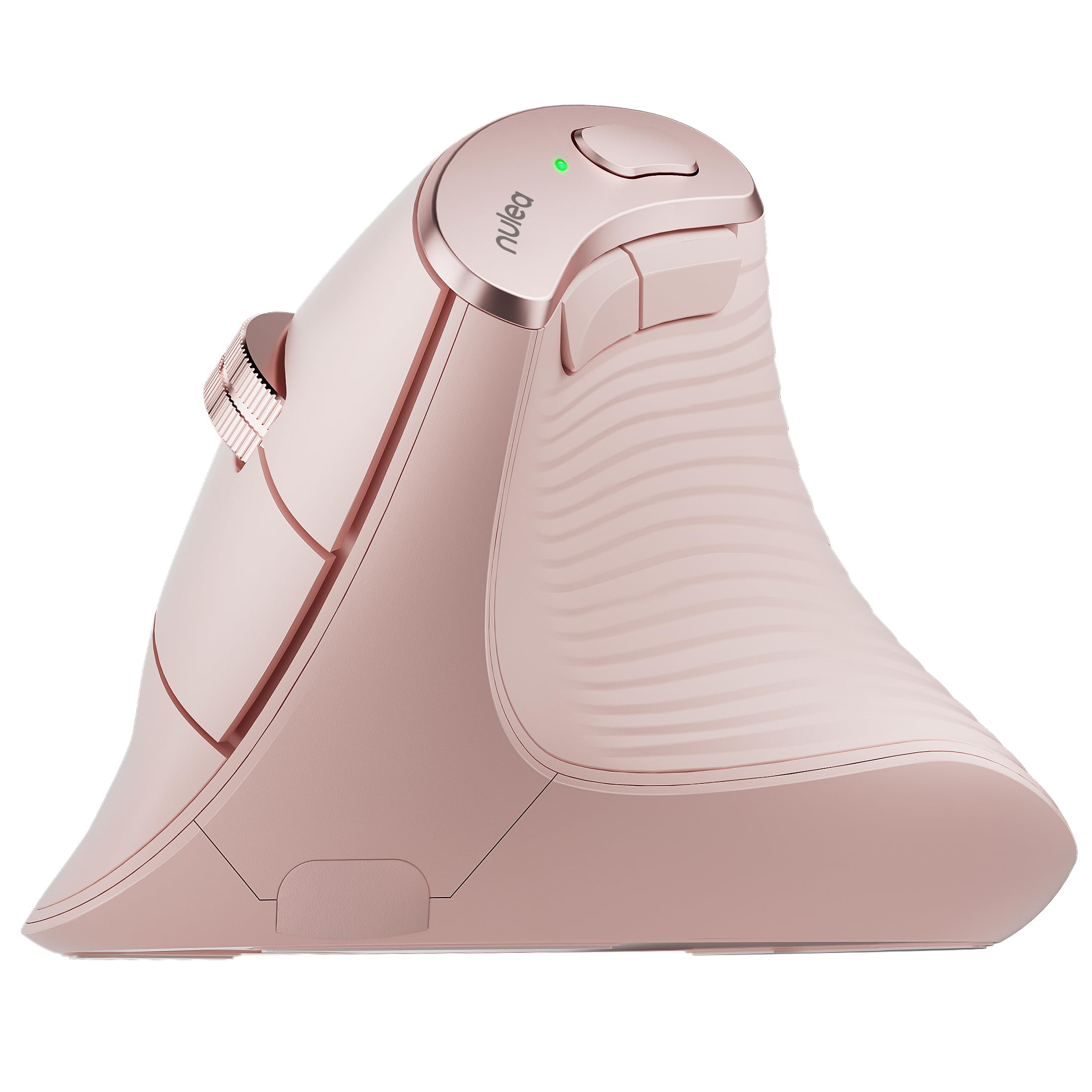
The shape is why it took the top spot. Your palm sits close to vertical, the thumb shelf is broad enough to rest on rather than grip, and the soft-touch coating stops your hand creeping as you move. What we watched for in the first week was whether the wrist stayed neutral when reaching for the far corners of a wide monitor, and it did — the 2.49-inch body is narrow enough that small corrections come from the fingers instead of the whole arm.
What you give up is consistency. Cursor response and scroll feel vary more here than on the pricier picks, and an early sensor failure is the fault worth watching for in the first week. Buy it where returns are easy, and spend the first day clicking and dragging before the window closes.
Two AAA cells with an up-to-24-month claim is the other practical draw: run rechargeables and you'll never think about a cable again. Six DPI steps is more than anyone needs; we set it mid-range and stopped touching it. It's molded for the right hand only, which is the one thing here no amount of software fixes.
Pros
- Three devices over Bluetooth and a dongle
- Neutral wrist angle with a broad thumb rest
- Two AAA cells, up to 24 months claimed
- Silent left and right clicks
Cons
- Right-handed shape only
- No rechargeable version
For most people chasing wrist relief, this is the one to buy: an upright shape that keeps the wrist neutral, three-device wireless, and a price that makes trying it a low-risk experiment.