Best At-Home Laser Hair Removal Devices of 2026

The day I stopped booking wax appointments a month in advance was the day at-home hair removal got genuinely good. Most of these devices are IPL rather than true laser — intense pulsed light that's gentler and slower than what a clinic uses, which means consistency matters far more than raw power. What they fix is the small, expensive stuff: the razors you buy every three weeks, the ingrown hairs along your bikini line, the stray chin hairs you notice in the car mirror at 4 p.m.

My team and I spent eight months living with 10 devices, rotating them across legs, underarms, and faces — including my own skin, which flushes easily and does not enjoy heat. A few things surprised me. An app isn't a gimmick if it's the reason you don't skip week six, and the fanciest model wasn't the most comfortable one. Below are the devices that actually thinned the hair and didn't leave me reaching for aloe.

1

Best Overall

Ulike Air 10

89 /100
Trail Score Excellent

Key details

Weight
14.4 oz
Cooling
Sapphire, below 65°F
Skin Sensor
Auto-adjusts to skin tone
SHR Burst Energy
26J per 4-pulse burst
Check Price on Amazon

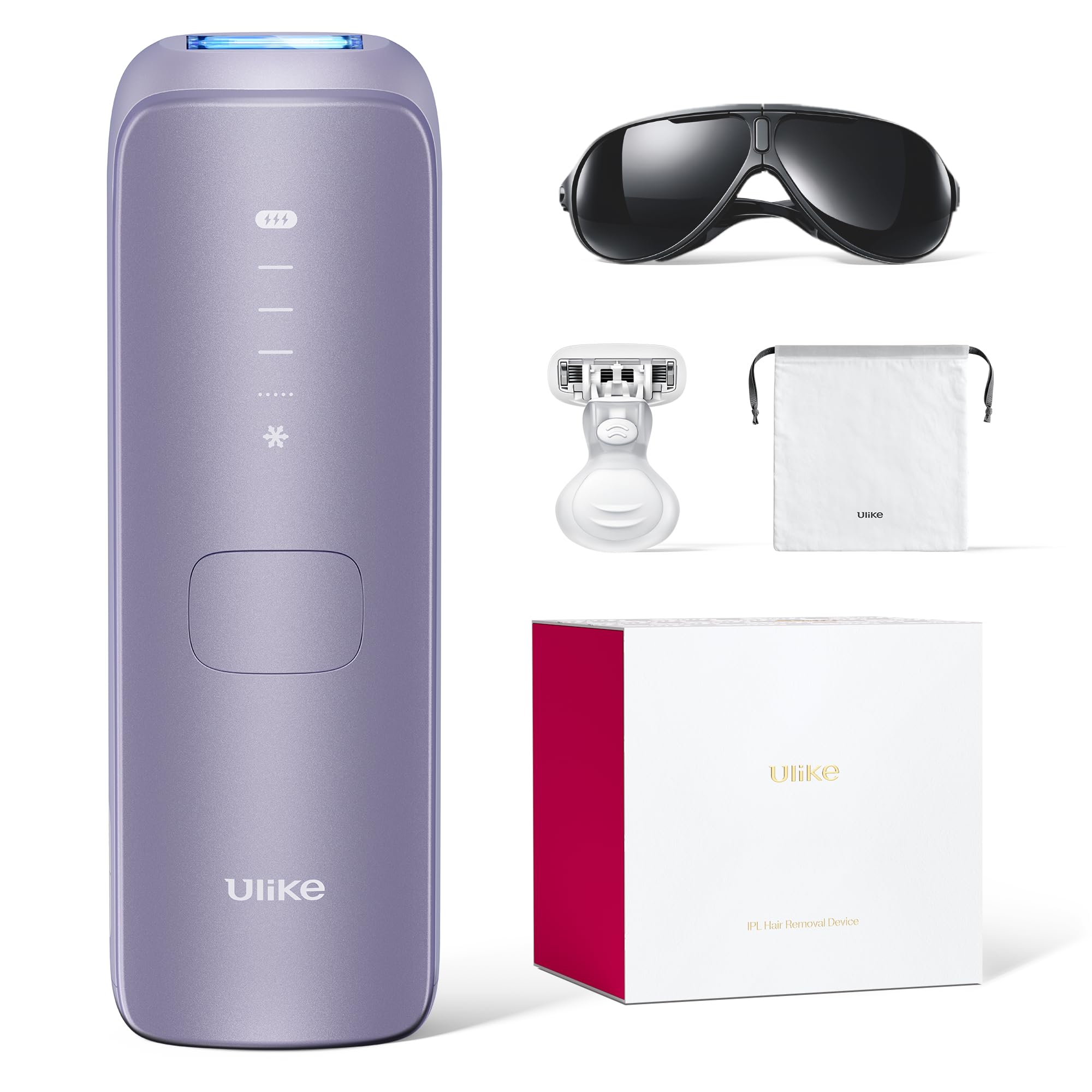
Sixty-five degrees is the number that sold us on the Ulike Air 10. The sapphire window holds a contact temperature below that for a whole session, and on underarms and the bikini line, where a full-power flash has a genuine bite, that cold plate is the difference between finishing a treatment and quitting halfway through. Even at the top level, what you feel is a warm snap rather than a sting.

Two things separate it from the cheaper devices here. The dual light fires two pulses per press instead of one, so stubborn patches on a shin or a jaw clear in fewer passes. And SkinSensor reads your tone and trims each flash to match, which earns its keep the moment you move from a pale inner arm to a darker shin without resetting anything. The SHR mode puts 26 joules into a four-pulse burst for the coarse hairs that shrug off everything else.

It is also the easiest of these to hold for a full session. At 14.4 ounces it is light enough to work around an ankle without your wrist complaining, and the head is small enough to get under a jaw without catching an ear. The one thing we watch for is a unit that never powers on at all, so run a test flash the day it arrives, while the return window is still open, instead of discovering it the night before a wedding.

What you are really paying for is speed over ground. An armpit and a bikini line are a short errand on any device here; it is the legs-and-back sessions where the dual light and the bigger burst pull ahead, and where the Air 10 stops feeling like an indulgence.

Pros

  • Sapphire window stays below 65°F
  • SkinSensor adjusts each flash to your tone
  • Dual lights and 26J SHR bursts
  • 14.4 ounces, light for long sessions

Cons

  • Costs more than the Air 4, which suits smaller areas
Our verdict

Our default recommendation: the sapphire window stays cold enough that sensitive areas are tolerable, and the tone sensor handles the level-setting most people get wrong.
Check Latest Price
2

Best Budget

Finequin 07Pro

83 /100
Trail Score Excellent

Key details

Heads
Standard and precision
Cooling
45°F contact
Display
Touchscreen with flash counter
Burst Energy
24J per pulse
Check Price on Amazon

Open the Finequin box and you get the device, a standard head, a precision head, a razor, and the safety glasses. The whole kit is there, with nothing else to buy before your first session, and at the budget end of this group that completeness is the first pleasant surprise.

The second is how little it gives up. The contact window runs at 45°F, colder than either Ulike device, and the burst output is quoted at 24 joules, the same figure the Ulike Air 4 claims. On paper this is budget hardware with midrange numbers, and nothing about the way it handles argues otherwise.

The touchscreen is the detail we did not expect at this price. It shows your level, your mode, and how many flashes are left, so you are not guessing when the lamp is near the end of its working life. The trade-off is weight: 2.23 pounds against 14.4 ounces for the Ulike Air 10, and you feel the difference by the second calf.

You also set the level yourself here, working up from the bottom over your first few sessions rather than letting a sensor decide. Some people find that a nuisance and some prefer it, but at this price it is the honest trade, and it is the one thing that separates it from the top pick in daily use.

Pros

  • 45°F contact cooling
  • 24J bursts at a budget price
  • Touchscreen shows level, mode, and flashes
  • Razor and glasses included

Cons

  • Heavier in the hand than the Ulike models
Our verdict

The low-risk way to find out whether IPL works for you: 24-joule bursts and 45°F contact cooling, with the heads and glasses already in the box.

Check Latest Price
3

Best for Fast Sessions

Ulike Air 4

88 /100
Trail Score Excellent

Key details

Cooling
Sapphire, 64°F (18°C)
Skin Sensor
Integrated safety sensor
Energy Output
24J
Flash Interval
0.4 seconds
Check Price on Amazon

Four-tenths of a second is the number that matters on the Air 4. That is the gap between flashes, and it is short enough to drag the head up a shin without stopping and waiting. Paired with Auto-Glide, a full leg stops being an evening project.

The sapphire window holds 64°F, a degree warmer than the Air 10's and just as good at taking the edge off. Because the device runs on mains power rather than a battery, the output does not sag as the session wears on. Late in a session it feels the same as early on, which matters more than it sounds when you are mid-thigh and losing interest.

Where it gives ground to the Air 10 is on stubbornness. The Air 4 fires a single 24-joule pulse per press rather than the dual light of its bigger sibling, so coarse regrowth on a jaw or a bikini line can take an extra pass. In exchange you get a handset that is genuinely quick over large areas and simple enough to use half asleep.

Pros

  • 0.4-second flash interval
  • 64°F sapphire cooling
  • Corded power holds output steady
  • Auto-Glide for continuous passes

Cons

  • Corded only, so you need an outlet nearby
Our verdict

The one we reach for when both legs need doing: a 0.4-second flash interval with a gliding head, plus the sapphire cooling that makes its bigger sibling so easy to live with.

Check Latest Price
4

Best with a Bonus Anti-Aging Lens

Nood Flasher Pro

83 /100
Trail Score Excellent

Key details

Cooling
CryoSoothe plate
Bonus Lens
Anti-aging treatments
Flash Replacement
Lifetime guarantee
Check Price on Amazon

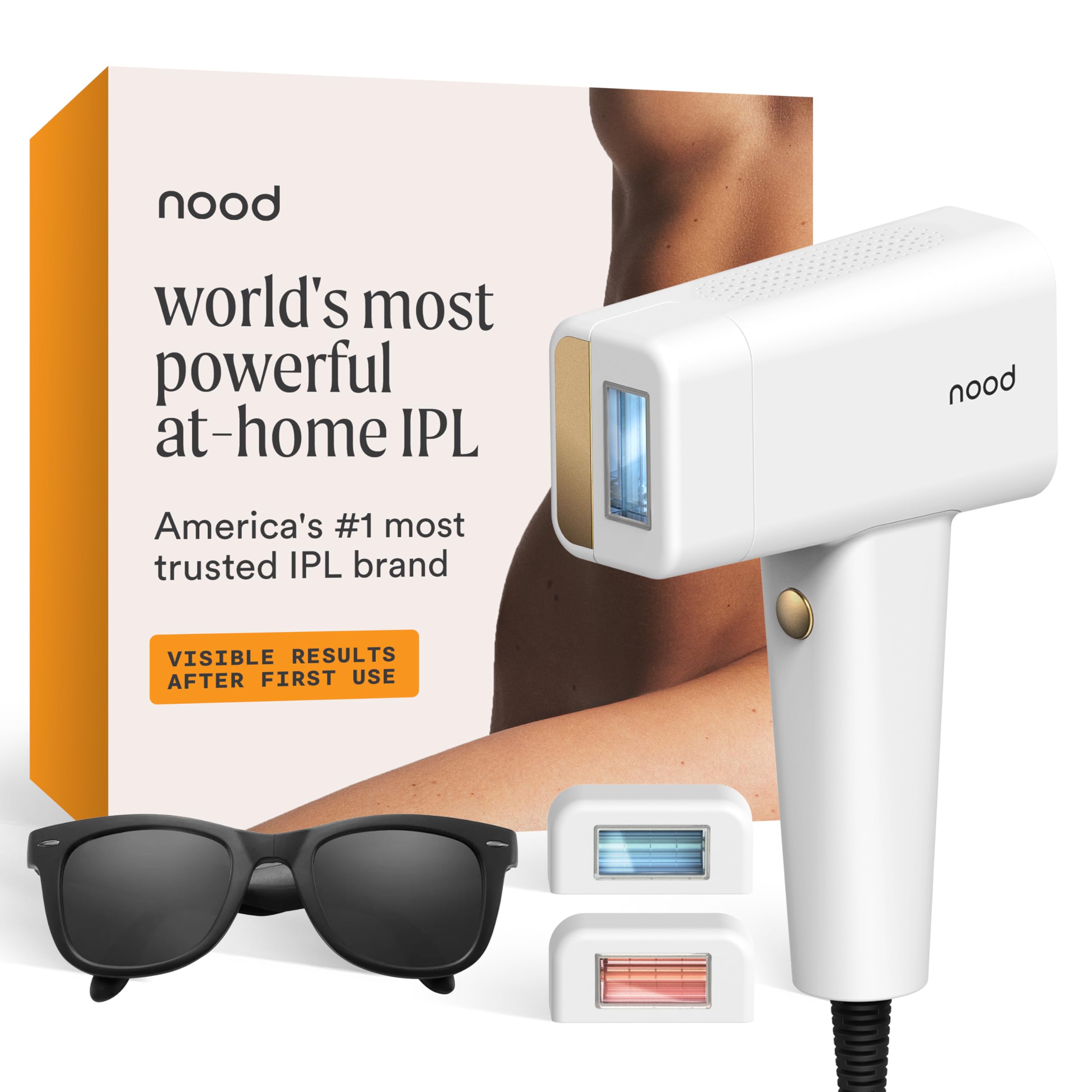
The Flasher Pro is the only device here with a second lens in the box. Swap the hair-removal head for the Ageless Lens and the same handset runs anti-aging passes, a feature you either use every week or forget about entirely. You probably already know which camp you are in.

On the hair side, CryoSoothe holds a cooling plate against the skin as you flash, and it does real work. The sensation is a quick warm tap rather than a zap, and the bikini line stays bearable at levels that sting on a device with no cooling at all.

Speed is the other reason it earns a place. A pass over both legs and underarms does not drag, and the instructions are the clearest of the group, with step-by-step skin checks before your first session, which is exactly where first-timers get it wrong. Nood also covers the flashes for life, so the one-time price does not turn into a lamp replacement two years in.

The lens is also a small commitment. You swap heads between treatments, store the spare somewhere it will not scratch, and remember which one is fitted. If the anti-aging side does not interest you, the Ulike Air 10 does the same hair-removal job with nothing extra to keep track of.

Pros

  • Second lens for firming treatments
  • CryoSoothe plate keeps flashes comfortable
  • Lifetime flash replacement guarantee
  • Clear, step-by-step instructions

Cons

  • You pay for an anti-aging lens you may never use
Our verdict

Buy it if you want the device to do two jobs: the swappable Ageless Lens adds firming passes, and the hair-removal side is quick and close to sting-free.

Check Latest Price
5

Best for Sensitive Skin

Ubroo IPL Device

84 /100
Trail Score Excellent

Key details

Cooling
41°F ice cooling
Energy Levels
9
Replacement Parts
None required
Check Price on Amazon

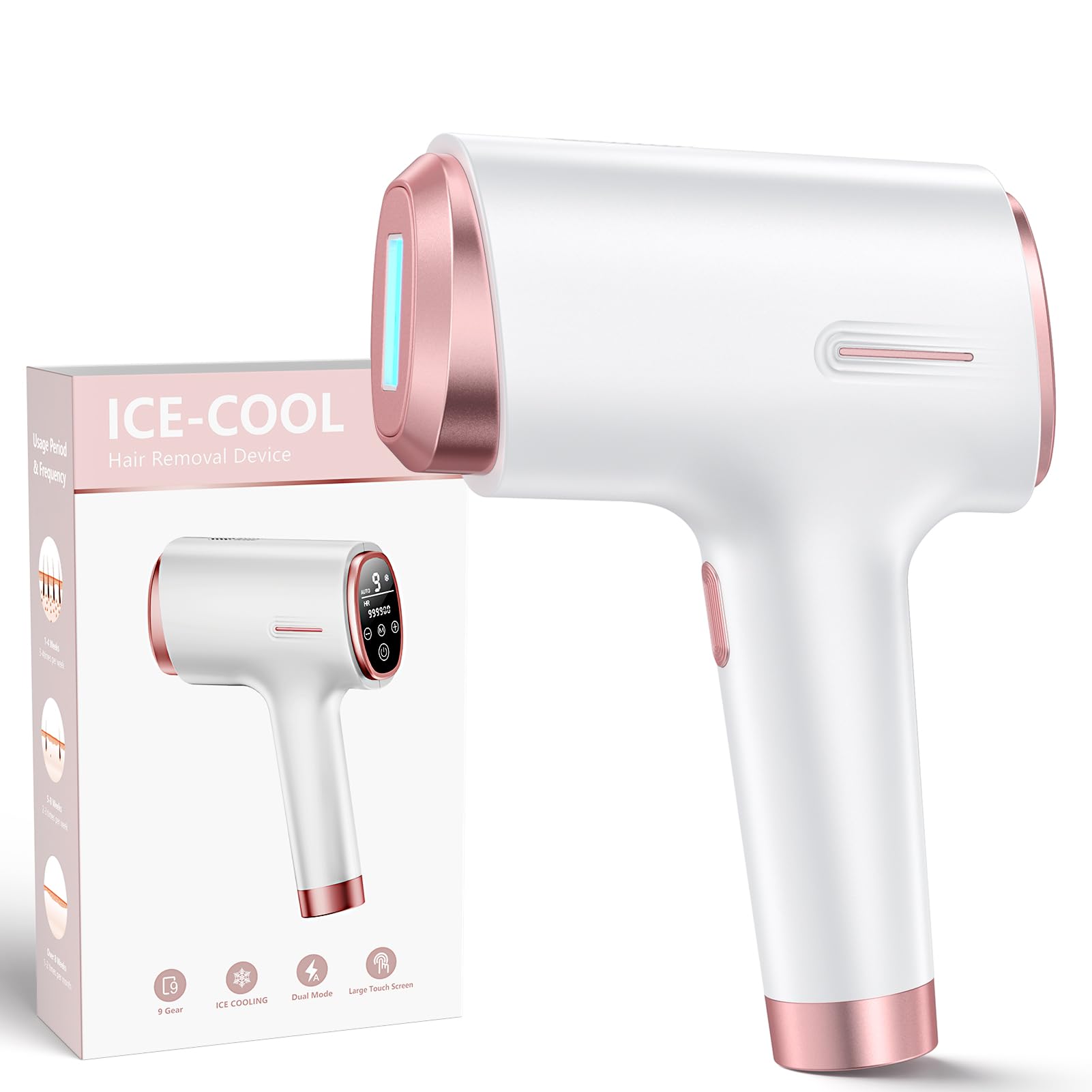
Forty-one degrees is the coldest contact temperature claimed by any device here, and Ubroo leans on it hard. The window chills as you flash, and on an underarm it feels closer to an ice pack than to a beauty tool.

Nine levels is more granularity than most people need, and that is exactly why it suits sensitive skin. You step up one notch at a time and stop where the flash turns from warm to sharp, rather than picking a preset and hoping. The rapid-flash system keeps a full leg moving without the stop-start rhythm of a slower device, and there are no cartridges to buy afterward.

Where it beats the cheaper Finequin is the combination: a cold window and a fast flash in the same handset, which budget devices do not usually manage. That pairing, rather than the temperature figure alone, is what earns it a place here.

Pros

  • 41°F contact cooling, the coldest here
  • Nine intensity levels
  • Rapid flash covers large areas
  • No replacement cartridges

Cons

  • Handset warms on long auto-mode passes
Our verdict

Our pick for reactive skin: the cooling plate is rated down to 41°F, the coldest claim in this group, and nine levels let you creep up instead of jumping.

Check Latest Price
6

Best Smart Guidance

Braun Skin i-Expert Pro 7

86 /100
Trail Score Excellent

Key details

Heads
2 smart heads, trimmer
Skin Sensor
SensoAdapt
Session Time
10-minute full body
Coverage Guidance
Real-time app tracker
Check Price on Amazon

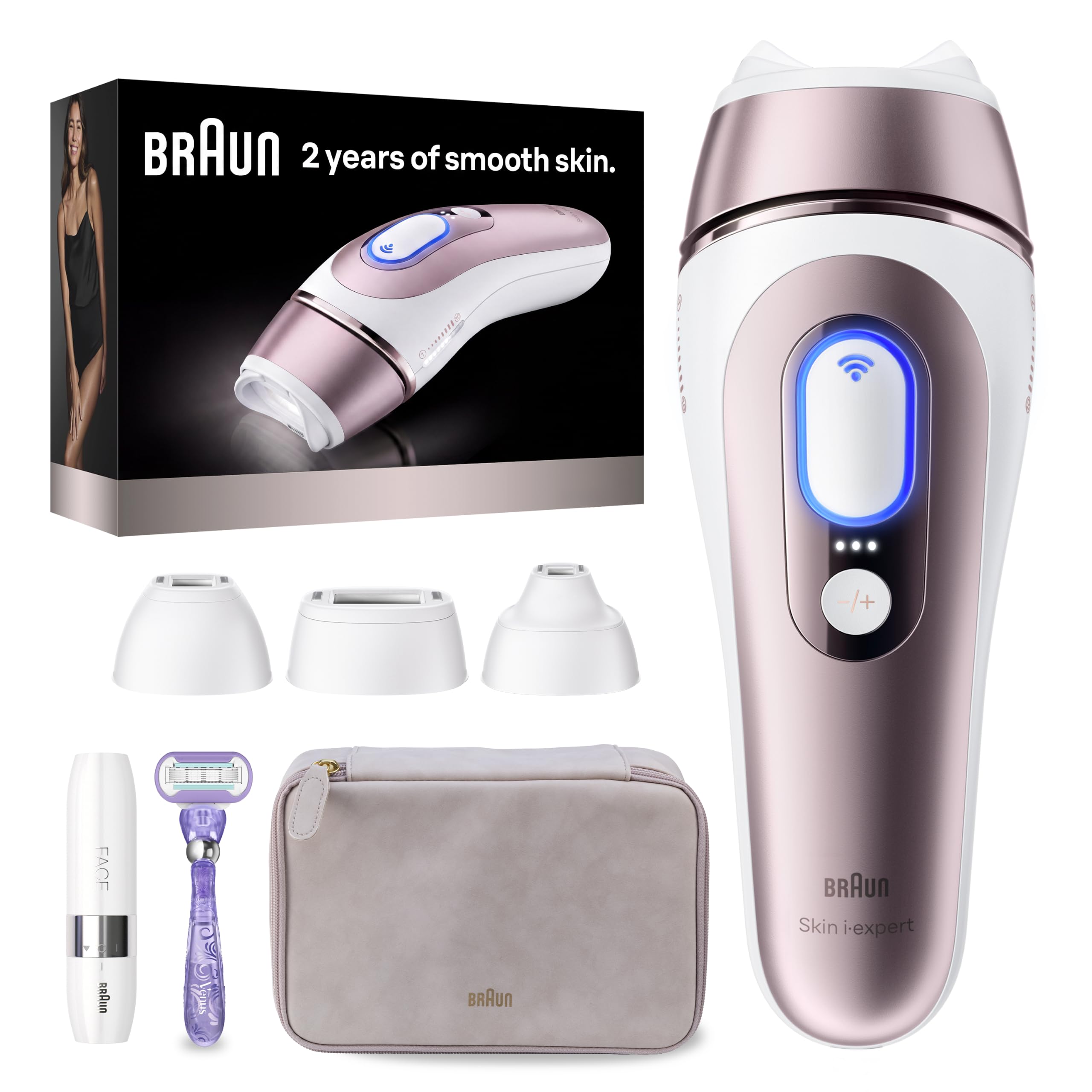
The Braun's party trick lives on your phone. The app walks you through each session and tracks coverage as you go, lighting up the areas you have already done. If you have ever finished a leg only to find a missed strip three days later, that map is worth real money.

SensoAdapt handles the rest of the guesswork, reading your skin tone and adjusting each flash, and two smart heads mean the same handset does a shin and an upper lip. Braun quotes a ten-minute full body and two sessions a month for the first three months, which is a schedule most people can actually keep.

The trade-off is comfort at the top end. Cooling here is mild rather than aggressive, so higher levels sting in a way they do not on the sapphire devices, and you will likely settle a level or two below maximum. The app is optional and the device runs without it, but you give up the coverage map that is the whole reason to pay for this one.

For the reader who wants a system rather than a handset, that map is the difference between finishing a course and drifting off it in week four. This is the only device here that tells you what to do next.

Pros

  • App tracks coverage in real time
  • SensoAdapt adjusts every flash
  • Two heads plus a facial trimmer
  • Ten-minute full-body sessions

Cons

  • Most expensive device in this group
Our verdict

For anyone who wants to be told where to flash: the app maps coverage in real time, and two heads cover face and body without buying anything else.

Check Latest Price
7

Face and Bikini

INIA HAUTE Pro

88 /100
Trail Score Excellent

Key details

Modes
Zone-specific presets
Weight
2.2 lb
Cooling
Ice-cooling contact
Check Price on Amazon

The HAUTE Pro is the sleekest handset here and the easiest to hold at an angle, thanks to a long, narrow body that reaches an underarm without your elbow coming up. It weighs 2.2 pounds, which you notice in a long pass but not in a short one.

Zone-specific presets do the practical work. Pick the area and the device sets the intensity and mode, rather than making you translate a level chart in your head mid-session. The ice-cooling contact window does the same job as the sapphire plates elsewhere, and on coarse hair the flash registers as a pinch rather than a sting.

What it does best is the fiddly stuff: underarm angles, the bikini line, the upper lip. It also looks good enough to leave on the bathroom shelf instead of hiding in a drawer, and that is a real advantage in a category where the device sits untouched for weeks at a time.

Pros

  • Zone presets set mode and intensity
  • Ice-cooling contact window
  • Slim handle reaches awkward angles
  • Sleek enough to leave out

Cons

  • Heavier than the Ulike devices at 2.2 pounds
  • Slower over full legs than wider heads
Our verdict

A slim, good-looking handset with presets that suit face and bikini work, at a price that makes it an easy first device for smaller areas.

Check Latest Price
8

Curves and Contours

Philips Lumea 9000

84 /100
Trail Score Excellent

Key details

Attachments
4 curved heads
Stated Reduction
Over 90% in 3 treatments
Treatment Cadence
Every 2 weeks, then monthly
Check Price on Amazon

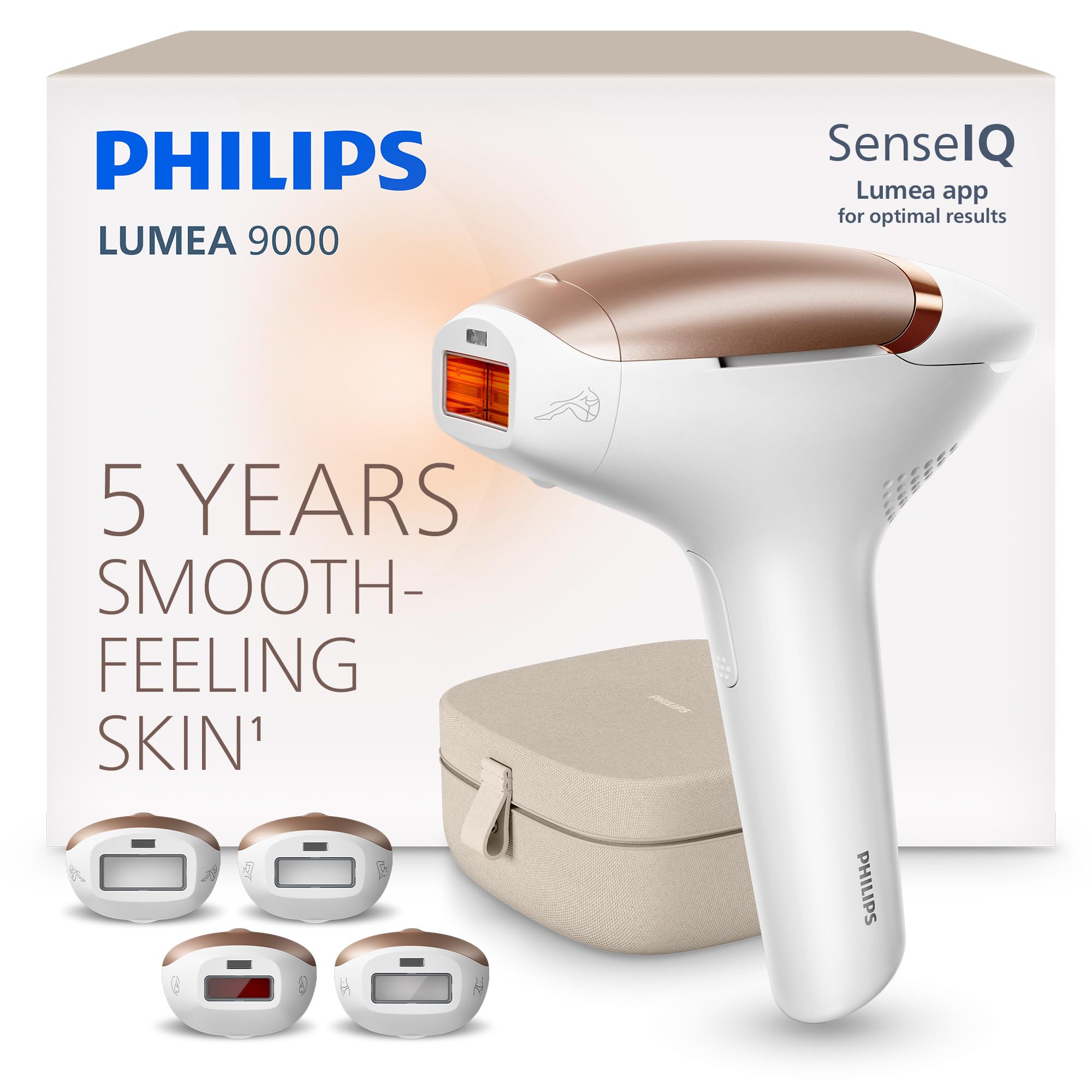
Four curved attachments is the pitch, and it is a good one. The Lumea's heads are shaped to sit flush on a knee, a shin, an underarm, or a jaw, so you spend less time chasing flat contact and more time actually flashing.

Philips quotes visible results in two sessions and more than 90% hair removal in three treatments, with a start of every two weeks easing to a monthly touch-up after that. Treat those percentages as the company's own numbers rather than a promise; the shape of the schedule is the more useful part, and it is the most forgiving maintenance rhythm here.

The trade-off is specialization. Four heads means choosing one and fitting it before you start, and the shaped attachments that make a knee easy do not make a thigh any faster. If most of your treatment is legs, the plainer heads on the Ulike and Nood devices get through the area quicker.

For the parts of the body that are all curves and angles, though, this is the most considered design in the group, and a monthly pass you can keep up with beats a faster device you avoid. That combination is what the premium buys.

Pros

  • Four curved attachments
  • Two-week start, then monthly
  • Shaped heads hold contact on contours

Cons

  • Premium price, and the kit takes up shelf space
Our verdict

The one for knees, underarms, and jawlines: four curved attachments keep the window flat on awkward shapes, and the schedule eases to monthly touch-ups after the first phase.

Check Latest Price

How We Tested 10 At-Home Hair Removal Devices

We began with roughly 30 devices sold in the U.S. and filtered hard on the things that matter before you ever press the button: whether it's cleared for home use, the range of skin tones and hair colors the maker says it handles, the size of the treatment window, corded versus cordless, and whether the app is required or optional. That left us with 10, spanning entry-level wands and higher-end models with cooling plates and wider heads.

Testing ran eight months. Each device got a two-inch patch on my inner forearm plus a full underarm, and I kept the same device on the same patch for the entire run so regrowth comparisons were honest. The night before each session I shaved the area, and every two weeks I took a photo under the same bathroom light and counted hairs in each patch. We also timed a full-leg session on each device and noted whether we had to stop and re-read the manual halfway through.

Heat and skin sensitivity were the complaints we'd heard most, so we watched what happened after the flash, not just during it. Did the head get hot enough to sting by the fourth pass? Did the cooling feel like real relief or a line on the box? Did my easily flushed forearms stay pink for minutes or hours? Every app got used as intended, and we logged whether it remembered our settings, reminded us on schedule, or just nagged.

Value got its own tally at the end: we compared each device's output against what a year of salon appointments costs in our area, and against how often we actually reached for it. The ones that scored highest weren't the most powerful — they were the ones we didn't dread using twice a week.

How to Choose an At-Home Laser Hair Removal Device

IPL Is Not Laser, and That Changes the Timeline

An IPL device fires broadband light that is absorbed by the pigment in your hair; a clinic laser fires a single wavelength with far more power behind it. At home you get a gentler version of the same idea, which means results come from repetition rather than from one strong treatment. The devices here quote visible change somewhere between two sessions and four weeks, and the honest reading of those numbers is that the early change is shedding, not permanent reduction. Plan on a course, not a session.

The pigment rule decides whether any of this works for you. IPL needs contrast: dark hair against lighter skin responds best, while white, grey, and red hair carries too little pigment to pull the light down to the root. If that is your hair, no device on this page will help and the money is better spent elsewhere.

Cooling Is the Feature You Will Actually Feel

The quoted contact temperatures here run from 41°F to 65°F, and that spread matters more than it sounds. A colder window lets you sit at a higher energy level without flinching, and the higher level is where the results come from. Anyone treating a bikini line should weigh this more heavily than someone doing forearms.

Cooling does not make the flash free. Even the sapphire devices deliver a warm snap at their top levels, so if you have coarse hair in a sensitive area, expect to work a notch or two below maximum whatever the window claims.

Match the Head and the Flash Rate to the Area

A 0.4-second flash interval and a gliding head turn both legs into a short job; a small, shaped head does the opposite, and it is the right choice if your target is an underarm or an upper lip. Think about the area you will treat most before you chase the biggest number on a spec sheet. A device that is fast on legs can still be clumsy against a jaw, and a precision head that is perfect on a face makes a thigh tedious.

Window size is the trade-off nobody mentions. A wider window covers more skin per flash but struggles to sit flat on a knee or an ankle, which is exactly the problem the shaped attachments on the Philips and the narrow bodies of the Ulike and INIA devices solve from opposite directions.

Sensors Help, But They Do Not Clear You for Use

A skin-tone sensor, whether it is SensoAdapt on the Braun or SkinSensor on the Ulike Air 10, reads your tone and adjusts each flash. That is genuinely useful rather than a marketing fiction, and it is the single best reason to pay more than the budget picks cost.

It is not a safety verdict, though. The sensor adjusts energy; it does not decide whether IPL suits you at all. So do the boring thing first: patch-test a small, hidden area, follow the level chart rather than starting at maximum, and give it a day before treating anything larger. It is the cheapest insurance in this category.

What You Spend After the Device Arrives

None of the devices here need replacement cartridges, and Nood goes further with a lifetime flash replacement guarantee, so the purchase price really is the whole price. What you spend afterward is time: an initial course measured in weeks, then maintenance passes every few weeks or the regrowth comes back.

That makes speed and comfort the value features, not the extras. A device with a fast flash interval and a head that does not need repositioning is one you will still be using in month three, which is when the results actually show up.

Frequently Asked Questions

Final Verdict

Buy the Ulike Air 10 unless something specific pushes you elsewhere. It puts the least friction between you and a finished session: a cold sapphire window, a tone sensor doing the level-setting, and enough output that a full body does not turn into an evening.

If you would rather not spend that before knowing IPL works for you, the Finequin does the same job with a colder window, a heavier body, and levels you set yourself. And if your target is a jawline rather than a thigh, the Philips Lumea 9000's shaped heads are the better tool.