Best Baby Monitors with Breathing Sensors of 2026

A baby monitor is supposed to buy you peace of mind, not another reason to stare at your phone at 2 a.m. Breathing-sensor models promise a lot: a pad or clip tracks every rise and fall, then alerts you if something seems off — which is exactly why they're hard to shop for. You're weighing picture quality, sound, overnight connectivity, battery life through a night feed, and whether the breathing alerts are useful or noisy. The right one fades into the background; the wrong one keeps you jumping at false alarms.

I spent seven months living with nine of these monitors — clipping sensors to onesies, routing cables behind cribs, and carrying the parent unit from room to room during naps. The best ones weren't the models with the longest feature lists. They got the basics right night after night: a clear picture, clean sound, steady connectivity, and a battery that lasted until morning. A monitor that drops its connection or cries wolf at 3 a.m. undermines the peace of mind you bought it for; the picks below earned their spot beside the crib.

1

Best Overall

Babysense 7

88 /100
Trail Score Excellent

Key details

Sensor Type
Two under-mattress pads
Battery Life
24 hours
Connectivity
None (no Wi-Fi)
Alarm Trigger
No movement for 20 seconds
Check Price on Amazon

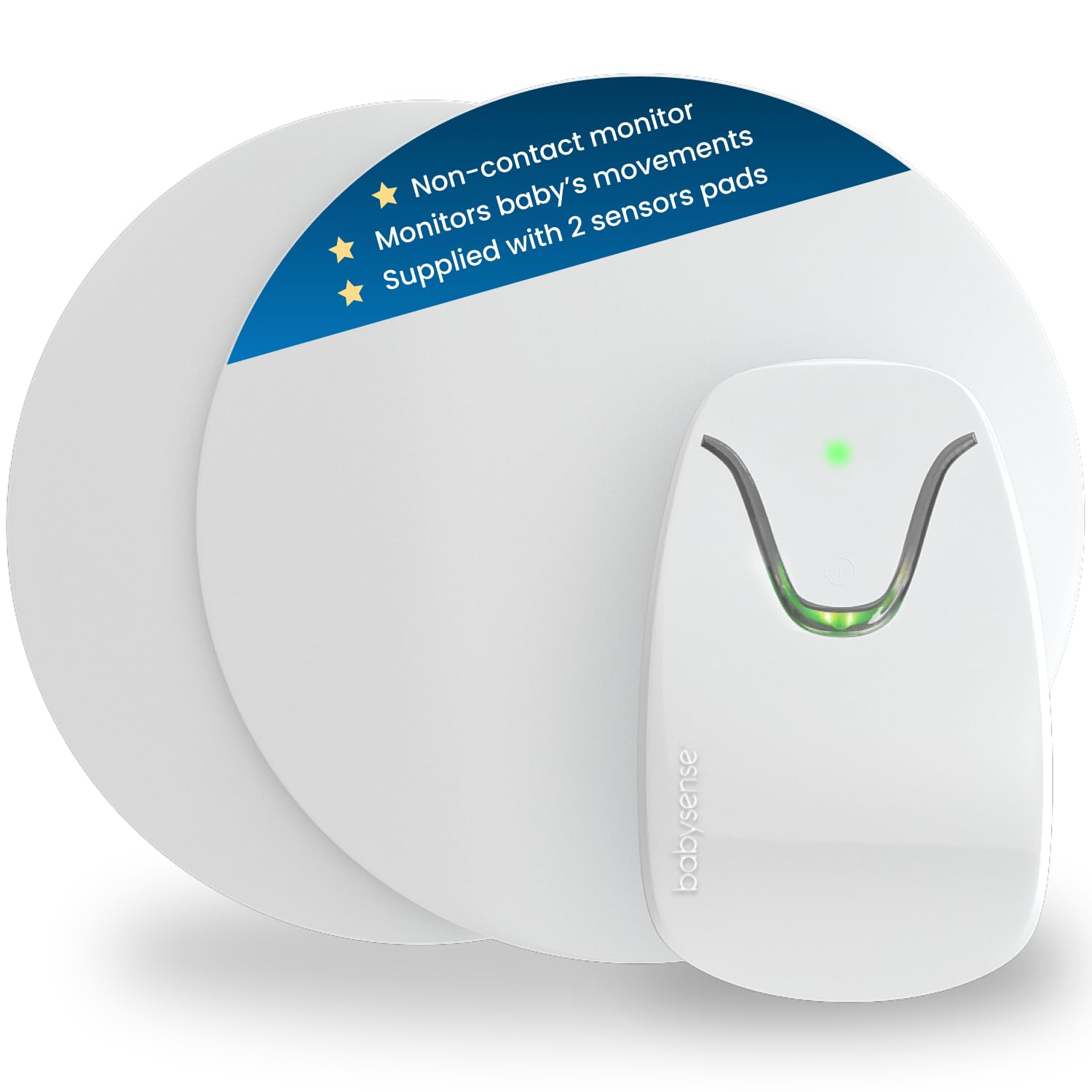
No app, no Wi-Fi, no camera: the Babysense 7 is the monitor we recommend first when the goal is simple movement monitoring at home. Two sensor pads slide under the mattress and watch for the small movements that come with breathing; if there is none for 20 seconds, the control unit alarms. We like that there is nothing to clip onto a diaper at 2 a.m. and no phone to wake up. For a parent who wants a straightforward check on the crib, this is the least fiddly design in the group.

The catch is the mattress. Babysense specifies that memory foam will not work properly, and the pads need a hard base, so check your crib setup before you order. The listed battery life is 24 hours, which makes this a keep-it-plugged-in device with the battery as backup rather than a set-and-forget monitor. The alarm is loud enough to wake you in the same room, and the two pads cover the whole crib, so a baby who scoots to a corner is still on the sensors. That coverage is the detail we keep coming back to.

What it does, it does without asking much of you: no account, no subscription, no pairing. We recommend it for a permanent crib and for parents who want the alarm to be the only thing the monitor does. The control unit is simple enough to reset half-asleep, which matters more at 3 a.m. than any app feature.

Pros

  • Two pads cover the full crib
  • Alarm after 20 seconds without movement
  • No Wi-Fi, app, or account

Cons

  • No video, pulse, or oxygen readings
Our verdict

We recommend the Babysense 7 when you want breathing-related movement monitoring without an app, a camera, or a subscription, and you can live with a simple under-mattress setup.
Check Latest Price
2

Best for Pulse and Oxygen

Owlet Dream Sock

82 /100
Trail Score Excellent

Key details

Fit Range
0–18 months, 5–30 lbs
Sensor Type
Optical pulse oximetry
Battery Life
18 hours
Alarm Trigger
Readings outside preset zones
Check Price on Amazon

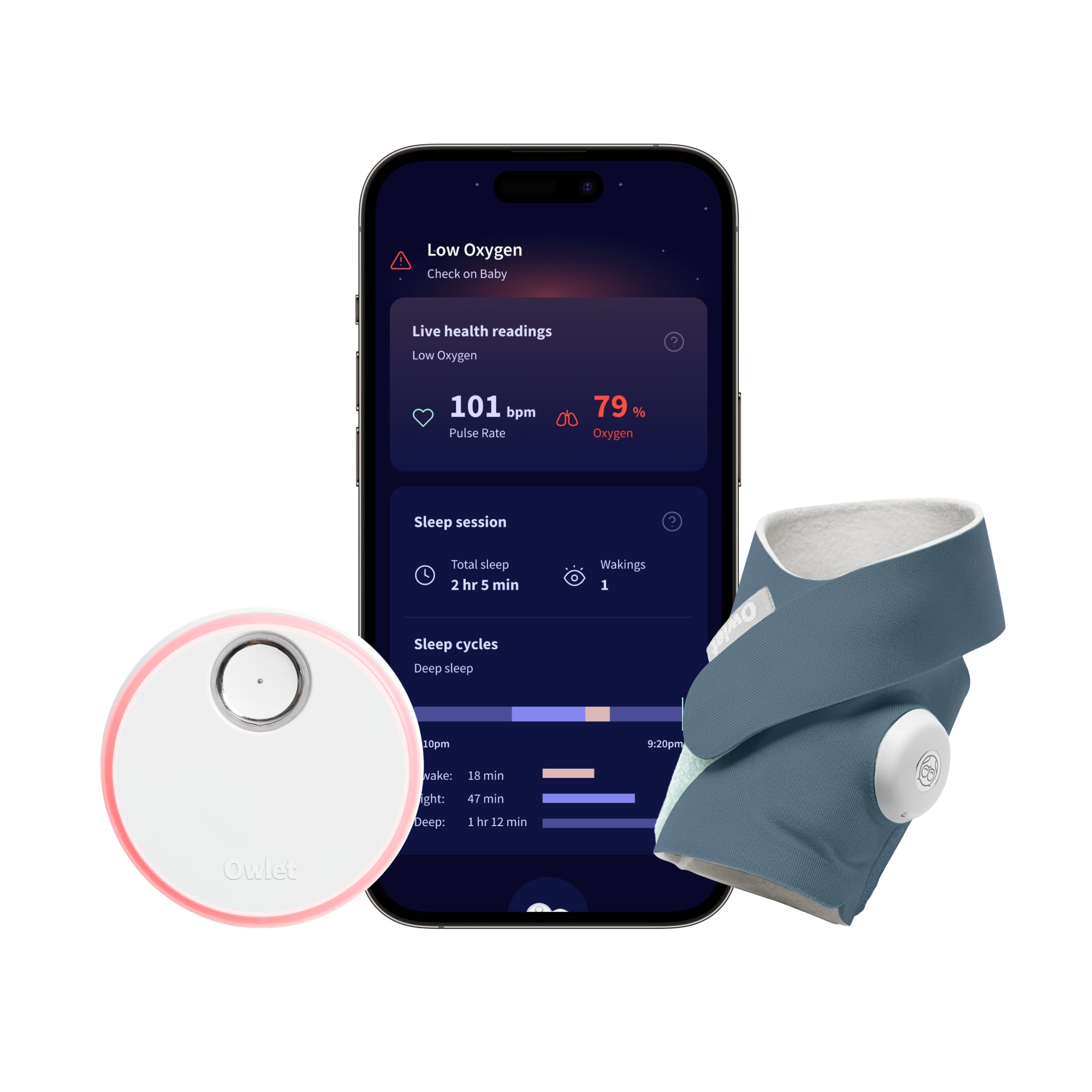
The Dream Sock is for the parent who wants to see pulse and oxygen numbers, not just movement, and that remains a narrower club than the category suggests. The sock wraps around a foot and sends readings to a base station and the Owlet app; the FDA-cleared pulse oximetry is the capability that separates it from the movement-only picks here. Four fabric socks fit babies from 0 to 18 months and 5 to 30 pounds, and the base station is meant to be the always-on alarm in the room.

We recommend it only when those numbers are the point. The app and base station are the weak link: connection drops can leave you without a reading, and a sock that shifts can set off a false alarm. The peace of mind is real when the system is cooperating, but this is not the monitor to choose if you want to set it up and forget it. If you want a quieter, no-Wi-Fi crib check, the Babysense 7 is the calmer choice.

The sleep-trend view is a nice extra for parents who like data; it is not why we recommend the sock. Battery life is listed at 18 hours, so it needs a nightly charge, and the base station needs to sit close to the crib to avoid interference. The four sock sizes are generous for growth, but the fit is the thing to check at every change. We kept coming back to the same conclusion: this is a specialized tool, not a general-purpose baby monitor.

Pros

  • FDA-cleared pulse and oxygen tracking
  • Four sock sizes fit 0–18 months
  • 18-hour battery
  • Sleep and wake-window trends

Cons

  • App and base-station dropouts
  • False alarms when the sock shifts
Our verdict

We see the Dream Sock as the pick for parents who specifically want pulse and oxygen readings, provided they can tolerate app dropouts and the occasional false alarm.

Check Latest Price
3

Best Video-And-Movement Bundle

Babysense True Sleep HD

88 /100
Trail Score Excellent

Key details

Camera
5-inch HD PTZ
Sensor Type
Two non-contact under-mattress pads
Connectivity
No Wi-Fi
Night Vision
IR night vision
Check Price on Amazon

A 5-inch parent unit is the reason this Babysense bundle appeals: you get a dedicated video screen and the same under-mattress movement pads, without putting the nursery on Wi-Fi. The camera pans, tilts, and has infrared night vision, a night light, and two-way audio. The movement side is the Babysense 7 system, with two non-contact pads under the mattress. For a parent who wants eyes on the crib and a movement alarm in one place, that combination is genuinely convenient.

We like that the video and movement alarms live on one parent unit, so you can see the crib when the movement alarm sounds. The 5-inch display is a useful size for a nightstand, and the no-Wi-Fi design means there is no app account to manage. The camera is the part we trust less than the pads, so treat the parent unit as something that needs a charging routine. The movement pads are the simpler, more dependable half of the bundle.

We recommend this bundle when you want a normal video monitor and movement pads in one box, and you do not want the nursery on Wi-Fi. If you already have a video monitor you like, the Babysense 7 gives you the movement side for less money and less hardware. The night light and two-way audio are nice extras, but the reason to choose this one is the dedicated screen and the pads together.

Pros

  • Dedicated 5-inch parent unit
  • Two under-mattress movement pads
  • No Wi-Fi or app required

Cons

  • Video unit has mixed reliability
Our verdict

We recommend this Babysense bundle when you want a normal video monitor and movement pads in one box, and you do not want the nursery on Wi-Fi.

Check Latest Price
4

Best No-App Diaper Clip

Snuza Hero SE

88 /100
Trail Score Excellent

Key details

Sensor Type
Direct-touch diaper clip
Battery Life
Up to 6 months
Connectivity
None (no Wi-Fi)
Alarm Sequence
Vibration, then audible alarm
Check Price on Amazon

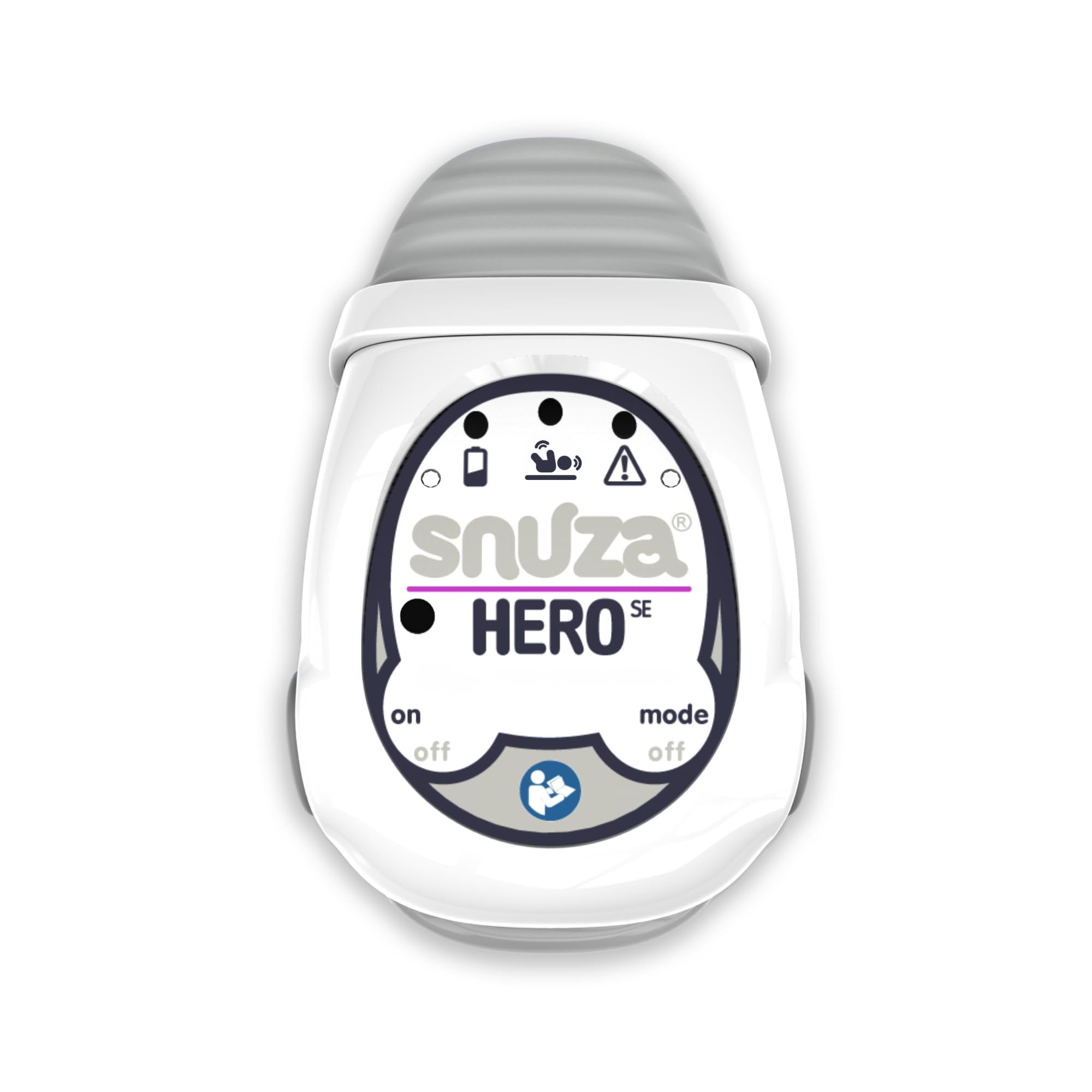
The diaper clip is the whole idea here: the Snuza Hero SE attaches to the front of a diaper, detects abdominal movement, and never asks you to open an app. We like it for travel and for grandparents' houses because there is no Wi-Fi, no camera, and no account. The alarm sequence is vibration after 15 seconds without movement, then an audible alarm if movement does not return. A green indicator light shows that movement is being detected.

The fit is the thing to get right. The clip needs to sit snugly against the diaper, and it can shift as a baby moves, so check it at every diaper change. The battery is the standout: up to six months on a replaceable battery, so there is no nightly charging and no cable in the crib. The alarm is loud enough for a bedside, but it is a local alarm only; there is no phone notification if you are in another room.

We recommend the Hero SE for a portable, no-fuss monitor and for parents who will actually check the placement. It is not the pick if you want video, pulse readings, or remote alerts. The green light is bright enough to see through clothing, and that small reassurance is why we keep it in the diaper bag.

Pros

  • No Wi-Fi, app, or charging cable
  • Vibration then audible alarm
  • Up to six months of battery life
  • Green movement indicator

Cons

  • Clip can shift during sleep
Our verdict

The Hero SE is our pick for a no-fuss diaper clip: no Wi-Fi, no app, and a vibration-then-alarm sequence that gives you a moment to respond.

Check Latest Price
5

Best Wearable With Vibration

Oma Sense

85 /100
Trail Score Excellent

Key details

Weight
6 oz
Sensor Type
Wearable abdominal movement
Connectivity
None (no app)
Alarm Sequence
15-second vibration, then alarm
Check Price on Amazon

The Oma Sense is built around a two-step response: after 15 seconds without abdominal movement, it vibrates, then sounds an alarm five seconds later if movement does not return. It slips over a diaper, pants, or a buttoned onesie and uses a flashing blue light to show that it is working. The body is made with medical-grade materials and has no compatible device or app, so there is nothing to pair.

We like the vibration-first logic because it gives a sleeping baby a chance to stir before the whole house is awake. The Oma Sense is the wearable we reach for when a parent wants that gentler first alert and does not want a phone in the nursery. The trade-off is placement: if the unit is not sitting against the belly, false alarms are more likely. It is also 170 grams, noticeably heftier than the tiny clips here, so a loose diaper can let it move.

We recommend the Oma Sense for parents who will take the time to fit it correctly and who want a local alarm rather than an app. The battery is a lithium-ion cell, so plan on a charging routine and check the charge before you rely on it overnight. The flashing blue light is a useful status check in a dark room, and the no-app design is the reason it travels well.

Pros

  • Vibration first, then audible alarm
  • No Wi-Fi or app
  • Medical-grade materials

Cons

  • Placement-sensitive false alarms
  • No app or remote alerts
Our verdict

We recommend the Oma Sense for parents who want a wearable monitor that tries to rouse the baby with vibration before the audible alarm, and who will take the time to place it correctly.

Check Latest Price
6

Budget App Wearable

Bempu

86 /100
Trail Score Excellent

Key details

Weight
0.46 oz
Sensor Type
Motion sensor
Connectivity
Android and iOS app
Alert Sequence
Soft vibration, then audible alarm
Check Price on Amazon

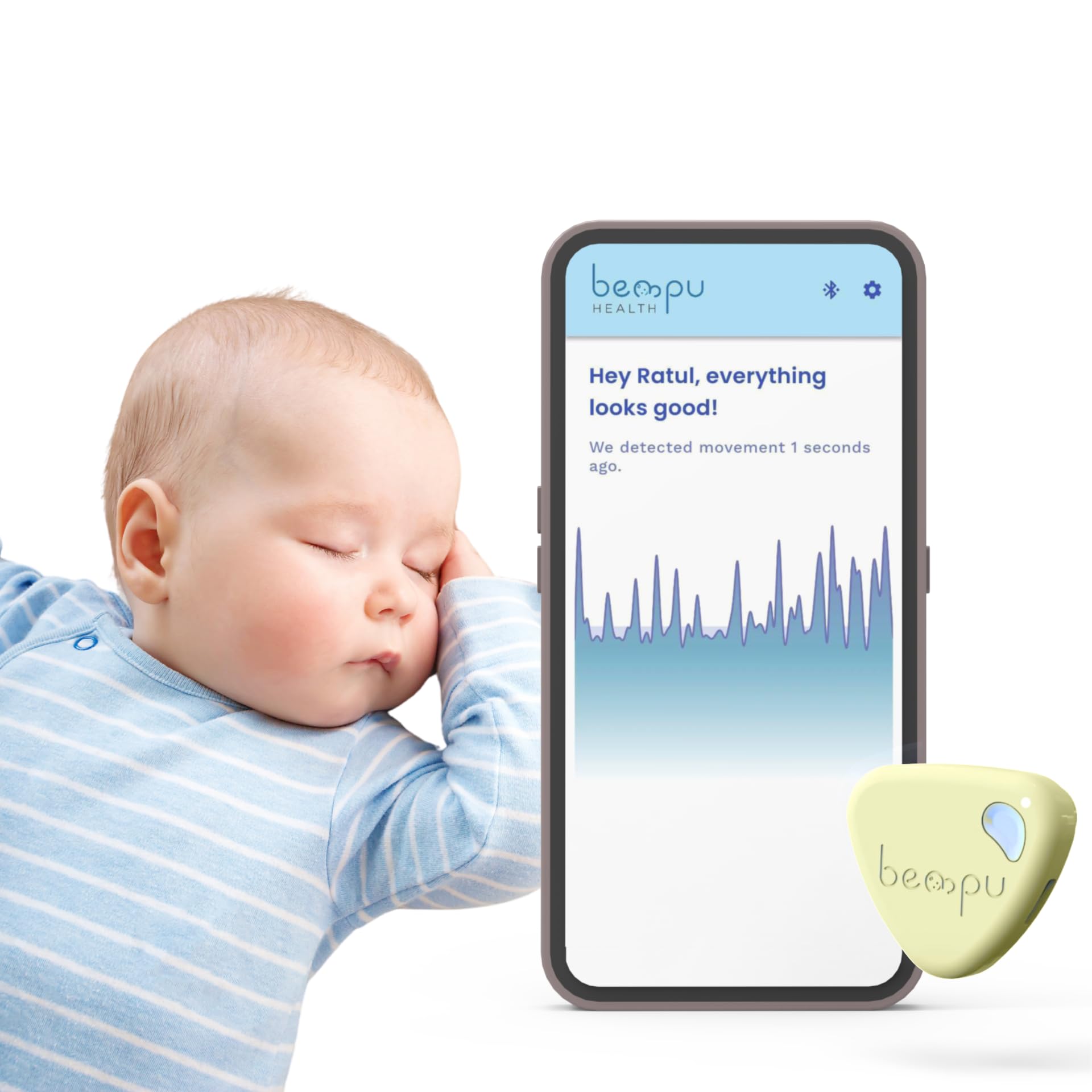
At 13 grams, the Bempu is the lightest wearable here, and that is the first thing we notice when comparing it with the chunkier Oma Sense. It clips to clothing or a diaper, tracks abdominal movement, and uses a soft vibration before an audible alarm. The app works on Android and iOS, and the vibration alert can work without the app, which is useful if your phone is charging across the room.

The app adds real-time alerts and customizable settings, and the device is small enough to leave on all night. The two-step alert is the same idea as the Oma Sense, but the Bempu is lighter and less expensive. It charges by USB-C, which is one cable in the diaper bag rather than a drawer of adapters. The clip-on design is easy to move between pajamas and a diaper, but it needs to sit against the belly to read movement.

We recommend the Bempu as the budget wearable when you want app alerts without a full monitoring system. It is not the pick if you want a no-phone device; the Snuza Hero SE is the simpler alternative. The Bempu's advantage is that it gives you a vibration-first alert and a phone notification for less money than the pulse-oximetry systems. The 13-gram body is the detail that makes it easy to keep using.

Pros

  • Light 13-gram clip
  • Vibration then audible alarm
  • App alerts for Android and iOS
  • USB-C charging

Cons

  • App needed for remote alerts
Our verdict

The Bempu is the budget wearable we reach for when you want app alerts and a vibration-first alert without paying for a full monitoring system.

Check Latest Price
7

Simple Budget Clip

BabySmile

77 /100
Trail Score Very Good

Key details

Sensor Type
Motion sensor
Battery Life
About 2,200 hours
Connectivity
None (no wires or app)
Alarm Trigger
No movement for 20 seconds
Check Price on Amazon

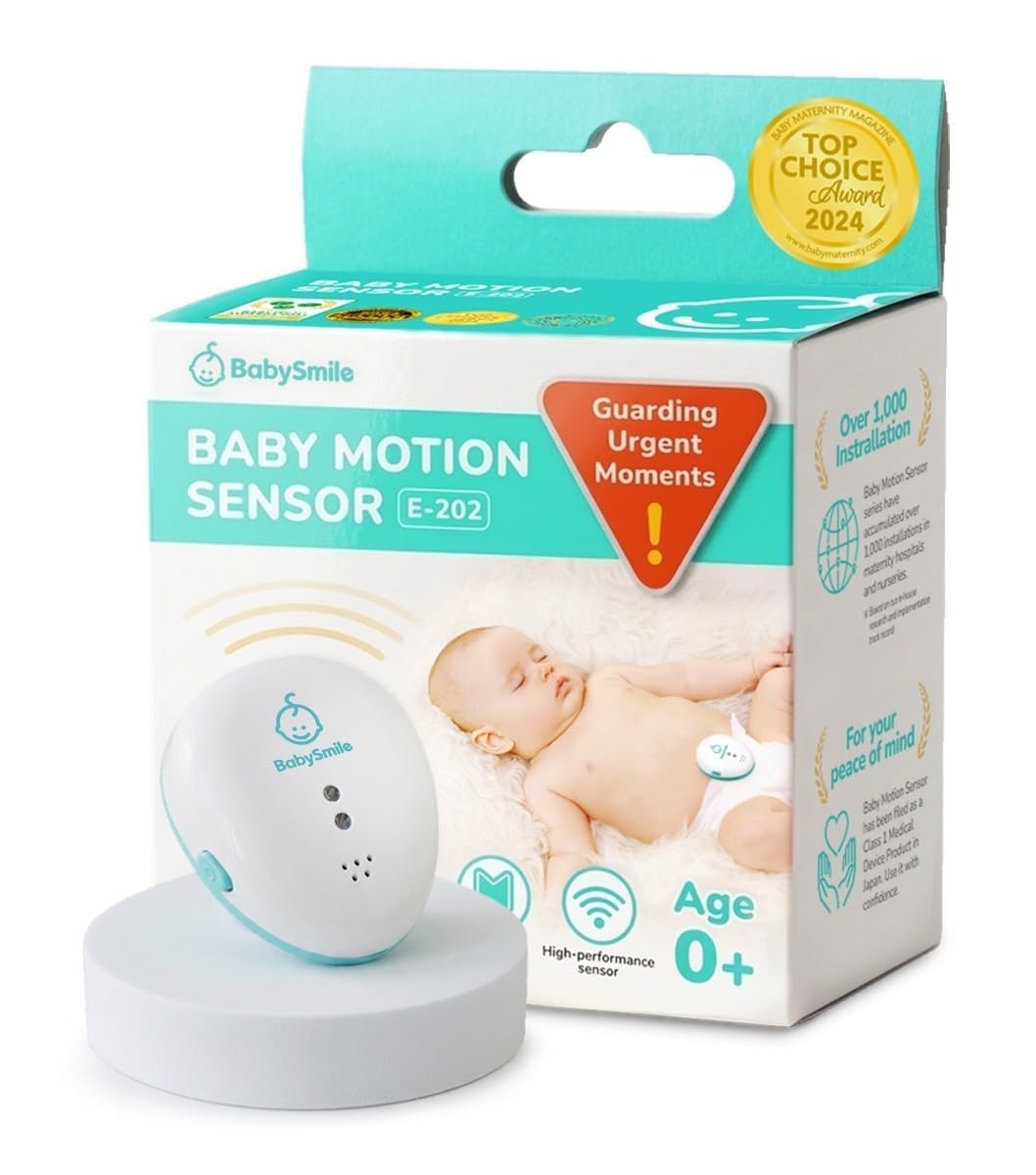
The 2,200-hour battery claim is the headline: BabySmile rates the diaper clip at about six months at 12 hours a day, with no charging cable to lose. It detects movement and alarms after about 20 seconds without movement. There are no wires, cords, or app, and the 25-gram body is small enough to clip to a diaper and forget about.

We like the simplicity for travel and grandparents' houses: there is no Wi-Fi to set up and no phone to hand over. The clip is easy to attach, and the battery life is the feature that makes it a true leave-in-the-diaper-bag device.

The trade-off is the same one that comes with any diaper clip: it can shift or fall off, and a loose fit can set off the alarm. There is no app history, no pulse or oxygen reading, and the alarm is local to the room. That is fine for a bedside or a grandparent's spare room, but it is not a remote monitor.

We recommend the BabySmile as the simple, low-cost clip for a second caregiver or travel bag, not as a replacement for a video monitor. The 25-gram body and 2,200-hour battery are the two specs that make it easy to keep using. If you want a no-app clip with a vibration-first alert, the Snuza Hero SE is the alternative.

Pros

  • About 2,200 hours of battery
  • No wires, Wi-Fi, or app
  • 25-gram clip

Cons

  • Local alarm only
  • Clip can shift or fall off
Our verdict

The BabySmile is the simplest low-cost diaper clip here, and we recommend it for grandparents' houses, travel, and anyone who wants an alarm without an app.

Check Latest Price
8

All-In-One Monitoring

Owlet Dream Duo

82 /100
Trail Score Excellent

Key details

Camera
2K HD
Fit Range
1–18 months, 6–30 lbs
Sensor Type
Optical pulse oximetry
Connectivity
Wi-Fi and app
Check Price on Amazon

The Dream Duo is the one-app answer: Owlet's pulse-and-oxygen sock and a 2K camera share the same dashboard, so you can check readings and look in without opening two apps. The sock fits babies from 1 to 18 months and 6 to 30 pounds; the camera has 2K HD video, night vision, and a wall-mount kit. The bundle also includes cable guards, which is the kind of detail we notice when a camera is going in a nursery.

The value is convenience, not a new kind of monitoring. If you already know you want Owlet's sock, adding the camera makes the nursery feel more complete and saves you a separate parent unit. The app also handles sleep trends and notifications, so the whole system lives in one place. That is genuinely nice when it works.

The weak point is the same one that follows Owlet's sock: the system leans on the app and the base station, and connection drops can affect both the readings and the camera. Setup is not plug-and-play for everyone, and the price is the highest here. This is a system for parents who will troubleshoot and who value the one-app convenience enough to pay for it. If you want a no-Wi-Fi nursery, the Babysense True Sleep HD is the more self-contained bundle.

We recommend the Dream Duo only when one app and a 2K camera are worth the premium to you, and you accept the connection caveats. The camera is the part that makes the bundle distinct; the sock is the same pulse-and-oximetry tool you get in the Dream Sock. The cable guards and wall-mount kit are the practical details that make it easier to place the camera safely out of reach.

Pros

  • Pulse and oxygen plus 2K video
  • One app for both monitors
  • Sleep trends and notifications
  • Cable guards and wall mount included

Cons

  • Highest-cost system here
  • Connectivity drops affect both
Our verdict

The Dream Duo makes sense only if you want Owlet's pulse-and-oxygen sock and a 2K camera in one app, and you accept the premium and the connectivity caveats.

Check Latest Price

How We Tested the Best Breathing-Sensor Baby Monitors

We began by researching the breathing-sensor monitor market — reading spec sheets, scanning parent forums, and narrowing a long list of roughly 30 models down to nine that covered the main sensor styles: under-mattress pads, clip-on wearables, and camera-based movement trackers. We filtered out anything with vague alert logic, missing battery specs, or a price that seemed out of step with its features, then bought each unit at retail so we could test the same version a shopper would receive.

Over seven months, those nine monitors moved between our test homes and real nurseries. We installed each one on the same crib, following the manufacturer's setup instructions, and timed how long it took to get a live feed and a breathing reading. During naps and overnight sleeps, we watched how the monitor handled a wriggly baby, a blanket draped too close to a sensor, and the ordinary pauses in movement that happen throughout the night. We noted every false alarm, missed alert, and app dropout, then compared those logs against how well everyone actually slept.

Picture and sound got their own checks: we dimmed the nursery to a night-light glow to see whether the image stayed clear enough to spot a pacifier, and we listened for hiss, lag, and garbled audio during a white-noise machine and a closing door. Battery life was tested from a full charge to dead, with the screen on and the breathing alerts active, and we carried the parent unit from kitchen to backyard to see where connectivity dropped. At the end, we weighed each monitor's price against its reliability and daily usefulness — because a feature-packed monitor that cries wolf or dies by 4 a.m. isn't a value at any price.

How to Choose a Baby Monitor with a Breathing Sensor

Decide What You Want Measured

Movement monitors infer breathing from motion. They are the simpler, lower-cost route, and they do not need a subscription or a phone. Pulse oximetry goes further, reading pulse rate and oxygen saturation, as the Owlet Dream Sock does. That extra data is meaningful only if you will act on it; it also brings app dependence and more opportunities for false alarms. We think most families should start with movement monitoring and add pulse oximetry only for a specific concern.

Wearable or Under-Mattress?

Under-mattress pads, like the two in the Babysense 7, stay off the baby and cover the whole crib, but they need a firm, compatible mattress; memory foam is specifically out. Wearables clip to a diaper or sock and travel better, but they can shift, and fit matters. We prefer under-mattress for a permanent crib and a clip-on for travel or a grandparent's house. If your baby sleeps in a bassinet with a thin mattress, check the manufacturer's placement instructions before assuming a pad will work. The sensor's location is part of the purchase, not an afterthought.

Look at the Alarm Sequence

An alarm is only useful if it reaches you before you panic. A vibration-first sequence, as on the Snuza Hero SE and Oma Sense, gives the baby a chance to stir before the audible alarm; a straight 20-second alarm, as on the Babysense 7, is simpler but more abrupt. Check the volume, the indicator light, and whether the alarm repeats. False alarms are part of owning any movement monitor, so choose one whose reset procedure you can manage half-asleep. A monitor that makes you dread the night is not doing its job.

Treat Connectivity as a Feature

Wi-Fi and apps add remote alerts and sleep history, but they also add the failure mode. The Owlet systems are the clearest example: the readings are valuable, and the app is the part that can leave you without them. If you want a monitor that works the same at 2 a.m. as it did at setup, choose a no-Wi-Fi design like the Babysense 7 or Snuza Hero SE. If you choose a connected monitor, test the connection from the nursery and keep the base station close. A monitor you have to troubleshoot is not a monitor you want at 3 a.m.

Do You Need a Camera in the Same Box?

A movement monitor tells you something is wrong; a camera tells you why your baby is fussing. Bundles like the Babysense True Sleep HD and Owlet Dream Duo put both on one screen or app, which is convenient but means one more device to charge, mount, and troubleshoot. If you already have a video monitor you like, spend the money on the sensor instead. If you are starting from scratch, a dedicated parent unit is easier to live with than a phone-only camera. The bundle is a convenience purchase, not a monitoring requirement.

Frequently Asked Questions

Final Verdict

For most families, the Babysense 7 is the breathing-sensor monitor we recommend first. It watches movement through two under-mattress pads, alarms after 20 seconds without movement, and keeps the job off Wi-Fi, which removes the failure mode we trust least in this category. If you specifically need pulse and oxygen readings, the Owlet Dream Sock is the alternative, with the caveat that its app and alarms demand patience. If you want video and movement in one no-Wi-Fi bundle, choose the Babysense True Sleep HD.